

You took the perfect passport photo at home. Good lighting, clean expression, straight posture. One problem: the background has your messy living room in it. You need a plain white background, and you need it now. So you search "remove background online free" and find remove.bg, PhotoRoom, and Canva. Before uploading your face to any of them, here is what you should know.
This is an honest comparison of the most popular AI background removers in 2026 — including which ones actually deliver free HD results and which ones lock quality behind paywalls.
Quick Comparison
| Feature | remove.bg | PhotoRoom | Canva | Bramhify |
|---|---|---|---|---|
| Privacy | ❌ Uploads to server | ❌ Uploads to server | ❌ Uploads to server | ✅ On-device AI |
| Free HD Download | ❌ Low-res free, HD needs credits | ❌ Free has watermark | ❌ Pro feature | ✅ Full resolution, free |
| Watermark | None (but low-res) | ✅ On free tier | None (Pro only) | ✅ No watermark ever |
| Built-in Crop/Resize | ❌ No | ✅ Yes | ✅ Yes (editor) | ✅ Yes |
| API for Developers | ✅ Yes | ✅ Yes | ❌ No | ❌ No |
| Offline / PWA | ❌ No | ❌ No | ❌ No | ✅ Yes (after model cache) |
| Hindi Interface | ❌ No | ❌ No | ❌ No | ✅ Yes |
Where the Competitors Excel
These tools earned their reputation for genuine reasons.
remove.bg is the gold standard for edge detection accuracy. Their AI handles wispy hair, translucent objects, and complex textures better than almost any other tool on the market. For product photography and professional headshots, the cutout quality is consistently impressive. Their API lets developers automate background removal in e-commerce pipelines, processing thousands of product images without manual work.
PhotoRoom is built for online sellers. Beyond just removing backgrounds, it lets you stage products on custom backgrounds, batch-process catalog images, and create ready-to-post social media assets. If you run an online store and need to process 50 product photos a week, PhotoRoom's workflow optimization is hard to beat.
Canva wraps background removal into its massive design platform. If you are already editing a social media post, presentation, or marketing flyer, removing the background without leaving the editor is genuinely convenient. The integration into a larger creative workflow is Canva's real strength.
Where Bramhify Wins
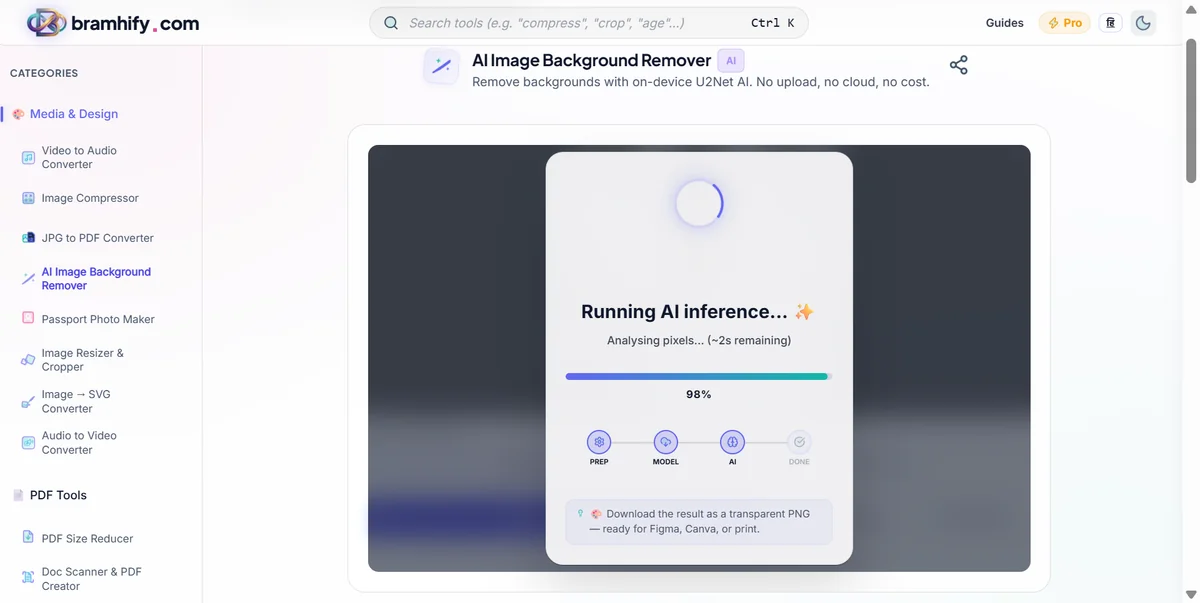
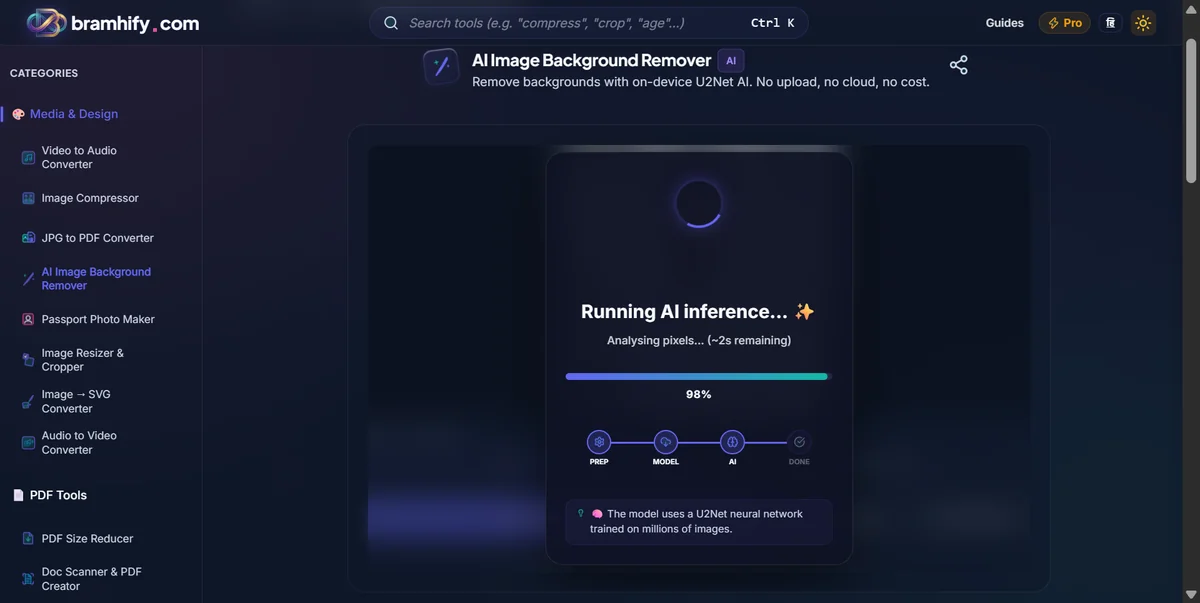
Bramhify does something none of the above can claim: it runs the AI model (U2Net) entirely inside your browser using WebAssembly. Your photo never uploads anywhere. The neural network downloads once (approximately 40 MB), caches in your browser, and then processes every subsequent image purely on your device — even offline.
This architecture has three practical consequences:
First, privacy. When you upload a passport photo to remove.bg, your face travels to their servers. They process it, store it temporarily (typically deleted within an hour), and send back the result. For a product photo, this is fine. For your passport photo that you are submitting to a government website? Or your child's school photo? The risk calculus changes.
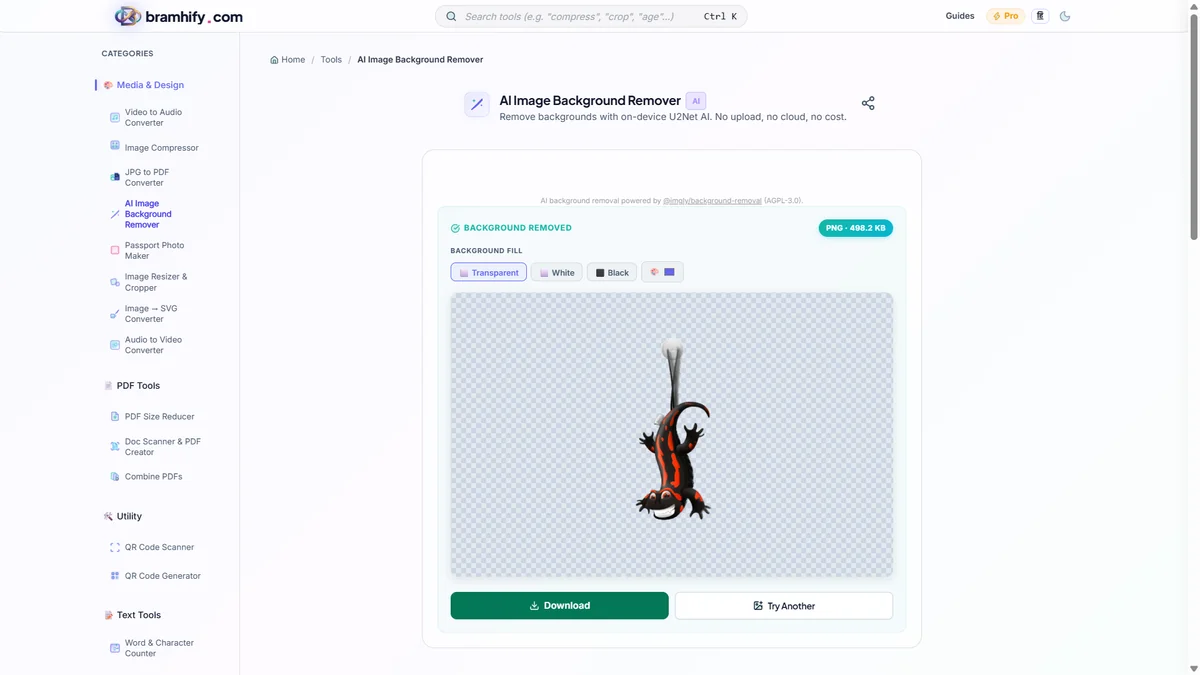
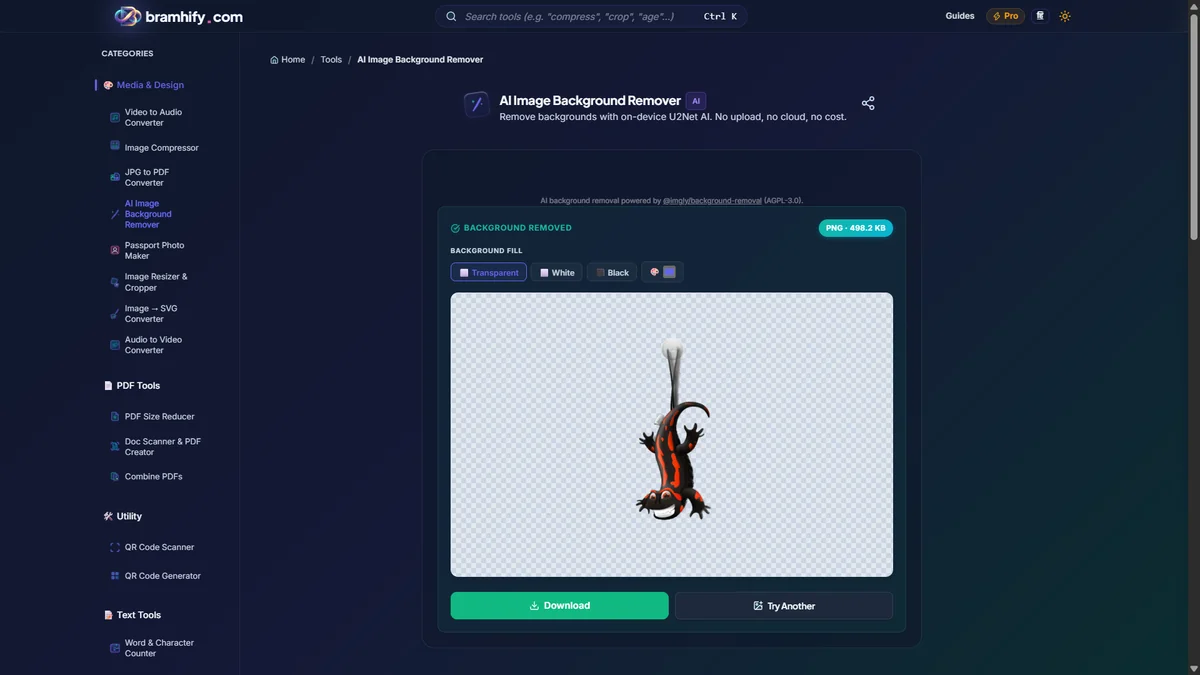
Second, genuinely free HD. remove.bg gives you a low-resolution preview for free and charges credits for the HD version. PhotoRoom adds a watermark to free exports. Canva requires a Pro subscription. Bramhify exports at full resolution, with zero watermarks, zero credits, and zero paywalls. You get exactly what you see.
Third, built-in editing. After removing the background, you can crop and resize the result directly inside the same tool. No need to download, open a second tool, crop, and re-export.

The Privacy Reality Check
Background removal requires uploading a photo of a person, a product, or a document. For remove.bg, PhotoRoom, and Canva, this means your image travels to their cloud servers for AI processing. All three companies encrypt transfers and have published data retention policies. For casual design work, this is standard and safe.
But consider the Indian context. Millions of users need clean passport photos for Passport Seva, visa applications, government ID renewals, and university admissions. These photos are of your face combined with personal identity submissions. Uploading them to a foreign cloud service, even one with good security practices, introduces a dependency that is unnecessary when a fully local alternative exists.
Bramhify's U2Net model runs as a WebAssembly binary inside your browser tab. You can verify this: open the tool, load the AI model once, then disconnect your internet. The background removal still works because the processing never needed a server.
Honest Limitations: Where Bramhify Falls Short
Transparency matters. Here is where the competitors genuinely do better.
- Edge detection on complex hair and fur. remove.bg's server-side AI has been trained on massive datasets and handles wispy hair strands, animal fur, and semi-transparent objects better than the browser-based U2Net model. If your use case demands pixel-perfect hair cutouts consistently, remove.bg delivers more reliable results.
- First-time model download. The AI model is approximately 40 MB. On a slow connection, this initial download can take a minute or two. After that, it caches and loads instantly on every subsequent visit.
- No manual touch-up. You cannot manually erase or restore specific parts of the background yet. If the AI misses a spot, you cannot paint it back. remove.bg and PhotoRoom both offer manual refinement tools.
- No API or batch automation. If you need to process thousands of product images for an e-commerce catalog, remove.bg's API or PhotoRoom's batch mode are the right tools for that job.
Frequently Asked Questions (FAQs)
Is remove.bg really free for HD images?
No. remove.bg provides a free low-resolution preview (approximately 0.25 megapixels). To download the full HD version, you need to purchase credits or subscribe to a plan. Bramhify, by contrast, exports at the full original resolution with no quality reduction, no credits, and no watermark.
Does remove.bg upload my photos to a server?
Yes. remove.bg processes images on their cloud infrastructure. According to their privacy policy, uploaded images are automatically deleted after processing. However, the image does travel to and briefly exist on their servers during that window.
Which free background remover has no watermark?
Among the tools compared here, only Bramhify and remove.bg (low-res only) provide watermark-free exports on their free tier. PhotoRoom adds a watermark to free exports. Canva requires a Pro subscription for background removal entirely.
Can I remove the background from a passport photo without uploading it?
Yes. Bramhify's AI Background Remover runs the U2Net neural network entirely in your browser. Your passport photo never leaves your device. After removing the background, you can crop and resize the image to standard passport dimensions directly inside the tool.
Is there a free remove.bg alternative that works offline?
Bramhify works offline after the AI model is downloaded and cached (first visit only). Once cached, you can remove backgrounds from photos even without an internet connection. This is possible because the AI runs as a WebAssembly binary inside your browser, not on a remote server.
Final Verdict
Use remove.bg if you need the absolute best edge detection for professional headshots, especially images with complex hair or fur. Their API is also the right choice for automated e-commerce workflows.
Use PhotoRoom if you are an online seller who needs batch processing, product staging, and AI-generated backgrounds in a single workflow.
Use Canva if you are already working inside Canva's design editor and need quick background removal as part of a larger creative project.
Use Bramhify if your priority is privacy, genuinely free HD exports with no watermark, and the peace of mind that your face (especially for passport, visa, or ID photos) never leaves your device. It is the only tool in this comparison that runs the AI locally, works offline, and costs nothing.
Related guides: How to Remove Image Background Free Without Photoshop | How to Remove Background from Passport Photo