

You clicked photos of your salary slips with your phone. The company's HR portal only accepts PDF. Now what?
Or maybe you need to submit your Aadhaar and PAN as a combined PDF document for a bank account or SIM card registration. Your phone has the photos, but not the PDF.
This is one of the most common document headaches in India. And most people end up uploading their personal ID photos to random websites - which is exactly the kind of thing that leads to data misuse.
The Problem with Online JPG to PDF Websites
When you search "convert JPG to PDF online", the top results are all cloud-based. You select your photos, they upload to a server, the server creates the PDF, and you download it.
Here's what that means for your privacy:
Your personal photos sit on a stranger's server. Even if the site claims to delete files "automatically after 1 hour," you have no way to verify that. For routine photos, this is a minor inconvenience. But if those photos are your Aadhaar card, PAN, passport, or bank documents - you've just handed your most sensitive information to an unknown company.
It's also slow on Indian mobile networks. Uploading 5-10 photos on a 4G connection can easily take 2-3 minutes. Then you wait for processing. Then you wait for the download. A 3-minute task becomes a 10-minute ordeal.
The Better Solution: Convert Directly on Your Phone
Bramhify's JPG to PDF converter works entirely in your browser. Your photos never leave your device - the PDF is created using your phone's own processing power. Tap the tool below to try it:

Step-by-Step: How to Convert JPG to PDF Free
Step 1: Open the Tool and Select Your Photos
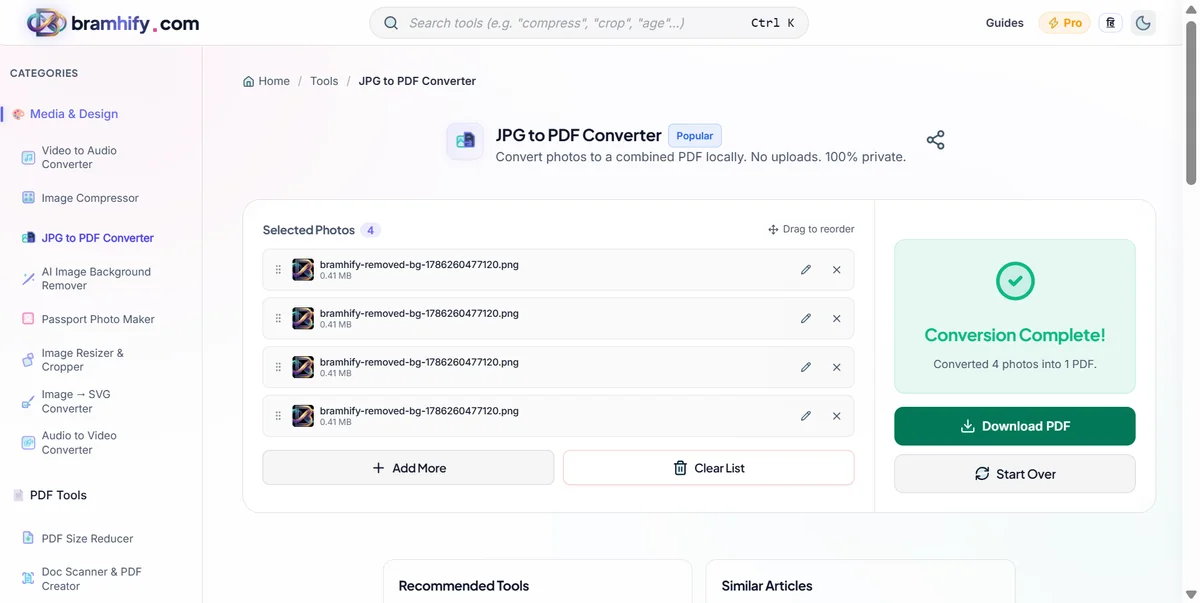
Tap the big upload box in the middle of the screen. This will open your phone's gallery. Tap each photo you want to include - you can select multiple at once. The tool supports JPG, PNG, and WEBP format photos.
Step 2: Check the Preview and Arrange the Order
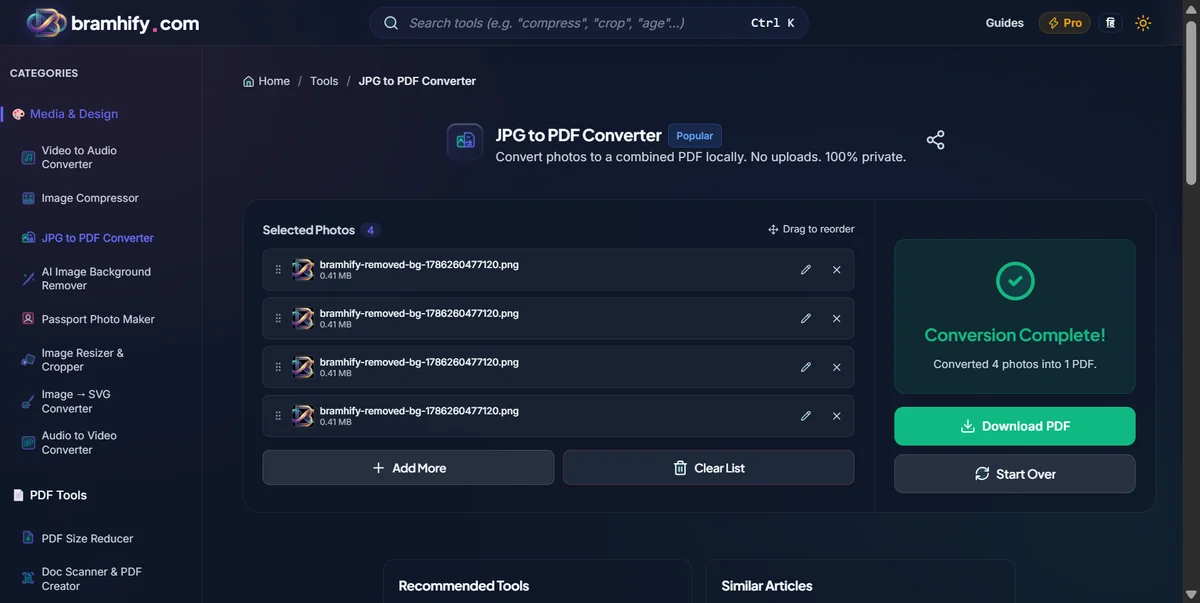
Once your photos are loaded, you'll see a small preview of each image in a row. If the order matters (like Aadhaar page 1 before page 2), tap and drag the thumbnails to rearrange them. The PDF will follow this exact order.
Step 3: Tap "Convert to PDF"
When you're happy with the arrangement, tap the "Convert to PDF" button. Because everything runs on your own phone, the conversion is nearly instant - even for 10-15 photos. No waiting for uploads or downloads.
Step 4: Save the PDF to Your Phone
As soon as the conversion finishes, a Download button appears. Tap it once. The PDF saves directly to your phone's Downloads folder.
Open the PDF to verify it looks correct before submitting it anywhere. That's it - done.
When This Is Most Useful
For government document submissions: Passport Seva, UIDAI portals, and most bank KYC forms require a single PDF. If you have separate photo scans of your Aadhaar front and back, this tool combines them into one clean document.
For expense reimbursements: Your company's finance team doesn't accept 12 individual photo attachments. Convert your receipt photos into a single PDF and attach it to your expense form.
For college and job applications: Many online application portals accept documents only as PDF. Mark sheets, certificates, and photo IDs clicked with your phone become a clean, professional PDF in seconds.
For rental agreements and legal documents: If your landlord or agent hands you a physical document and you need to send a digital copy, photograph each page and convert to PDF. Far faster than finding a scanner.
Why No Upload = Better for You
Your Aadhaar and PAN are private. They contain your biometric and financial identity. Uploading them to unknown servers is unnecessary risk.
Works without internet after first load. Once the tool is open, you can turn off mobile data and it still works.
No daily limits. Convert as many PDFs as you need.
No watermarks on the output PDF.
Want to reduce the size of the PDF you just created? Read our guide on the best free PDF tools that don't upload your files, or check out how to compress an Aadhaar card photo under 50KB before converting.