

Are you trying to apply for a passport on the Passport Seva portal, open a new bank account, register for a State PSC exam, or link your PAN card online? If so, you have probably spent hours filling out forms, only to be stopped by the most frustrating error message on the internet: "File size too large. Please upload an image under 50KB."
Mobile phone cameras today take incredibly high-quality, high-resolution photos. A simple picture of your Aadhaar card or signature taken on your smartphone can easily be 5 MB (which is 5000 KB). Government portals, which process millions of applications daily, simply will not accept a file this heavy because it would crash their storage servers.
In this comprehensive guide, we will show you exactly how to reduce the file size of your Aadhaar card, PAN card, or passport-size photo in just a few seconds. We will show you how to do it for free, without losing clarity, and most importantly, with absolute privacy so your identity remains safe.
Why You Should Never Use Random Online Compressors
Your Aadhaar card and PAN card contain highly sensitive personal information. It includes your full name, father's name, permanent address, date of birth, and unique biometric-linked government IDs.
When people get the "File size too large" error, their first instinct is to search for "compress photo online" on Google and click the first website they see. This is a massive security risk.
Most free online compressors work by asking you to upload your image to their cloud servers. Their server processes the image, makes it smaller, and sends it back to you. During that process, your highly sensitive Aadhaar card is sitting on a foreign server. You have no idea if that server is secure, if it deletes your image after 24 hours, or if it secretly stores your data to build profiles for advertisers and scammers. Identity theft in India is rising rapidly, and leaking your own Aadhaar card to an unknown website is incredibly dangerous.
Never upload your Aadhaar card to a random website.
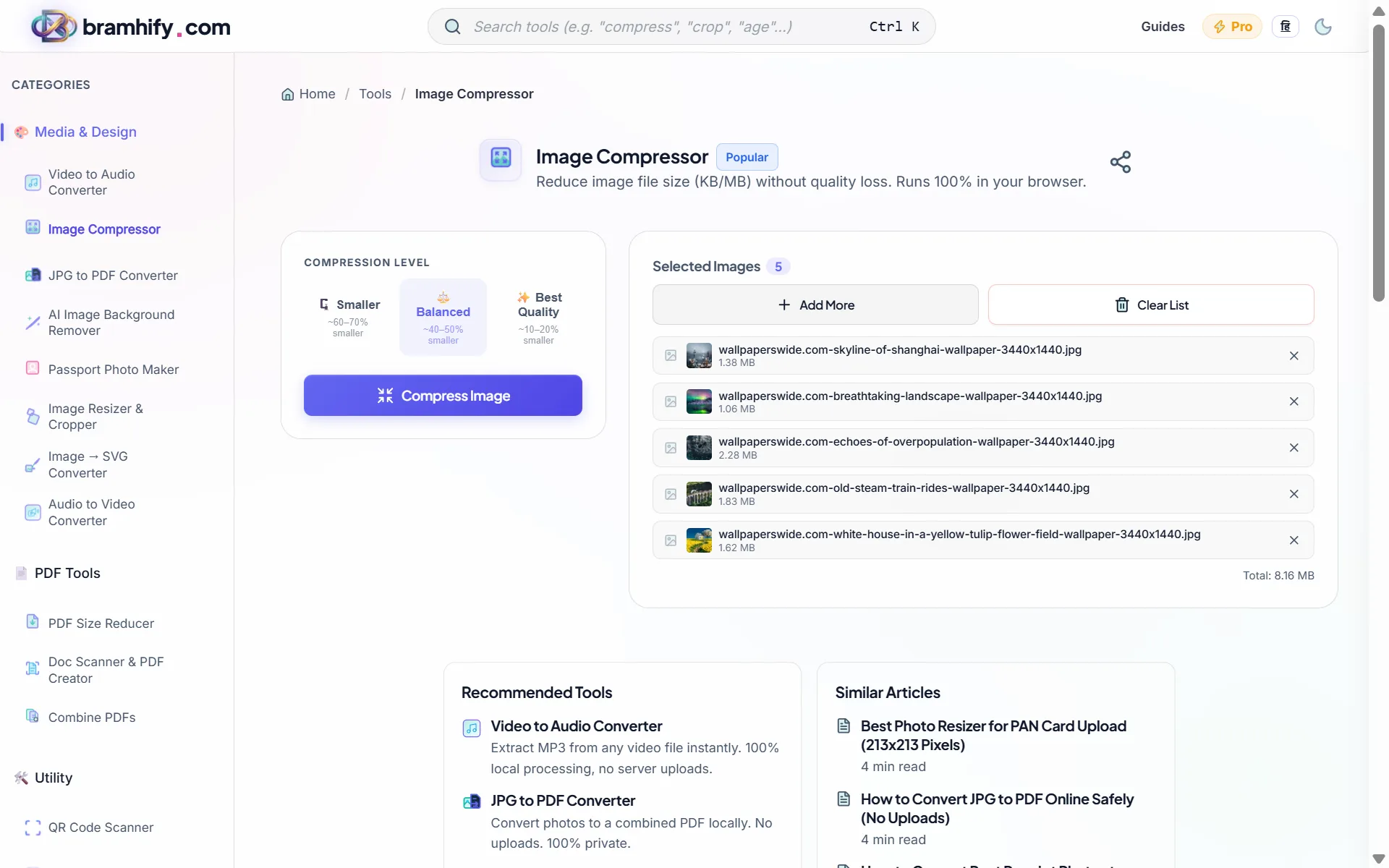
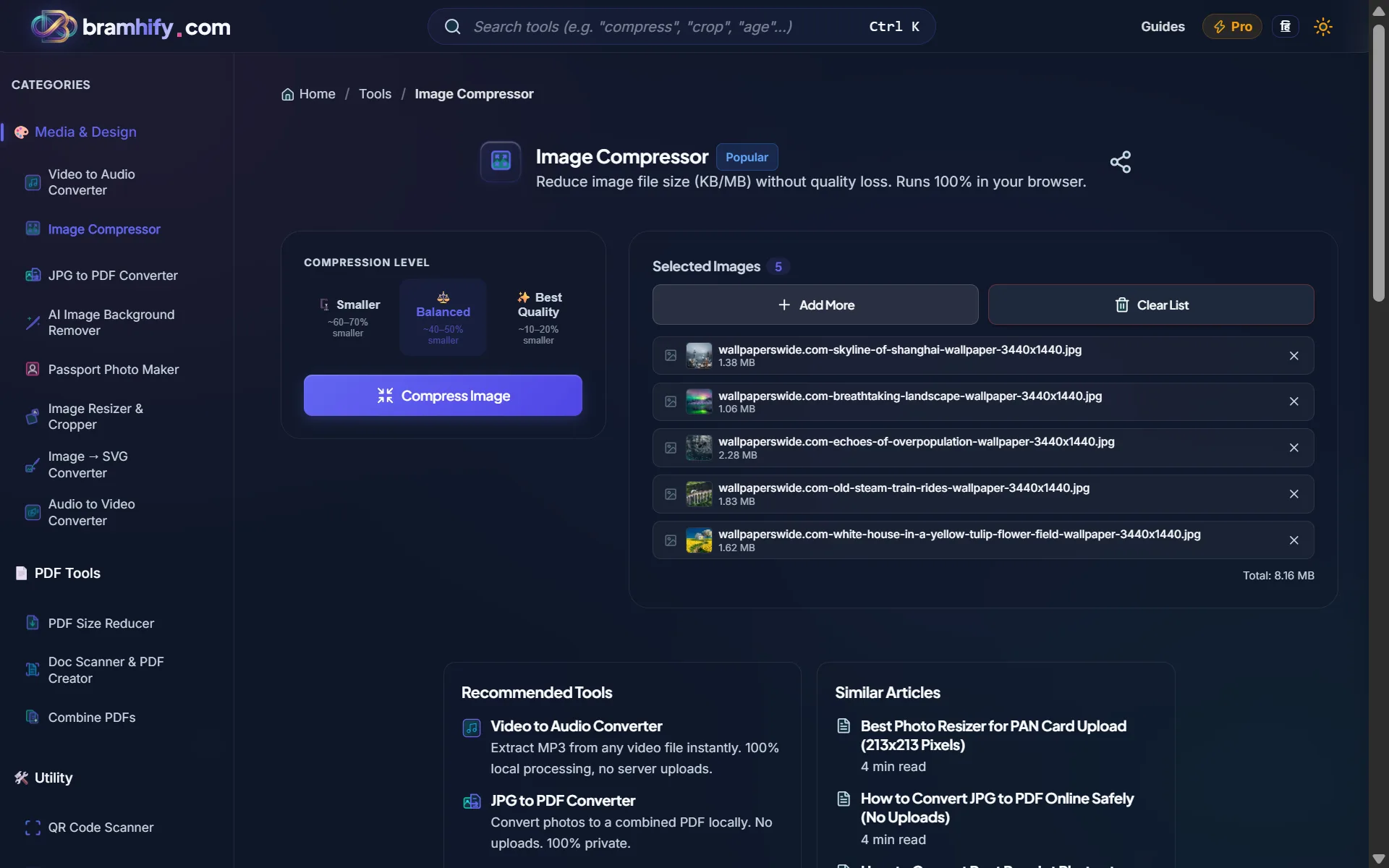
Instead, you need a tool that compresses the image locally. Bramhify's Image Compressor is built using advanced browser technology. It runs entirely inside your mobile phone or computer's processor. The photo is compressed mathematically on your device, meaning your private ID never touches the internet or a cloud server.
Use the Private Image Compressor Here:

Step-by-Step Guide to Compressing Your ID Proof
Follow these easy steps to make your Aadhaar photo smaller without making it so blurry that the government rejects it.
Step 1: Open the Compressor Tool
Tap the link above with your finger to open the Bramhify Image Compressor. The tool works perfectly on Android phones, iPhones, and desktop computers.
Step 2: Choose Your Aadhaar Photo
Look for the giant box with a cloud icon right in the middle of your screen. Tap it once. This will safely open your phone's native file picker or photo gallery. Scroll through your pictures and select the photo of your Aadhaar card, PAN card, or signature. Remember, because our tool is completely private, it processes images one by one to ensure maximum security on your device.
Step 3: Reduce the Size using the Slider
Once you tap your photo, you will see a slider bar on the screen (a horizontal line with a dot on it). By default, the slider is set to give you a great balance of quality and size. However, if the government portal requires a file under 50KB, you will need to compress it further.
Use your finger to drag that dot to the left side (lowering the quality percentage). As you drag it, keep your eyes on the text that says "New Size". The tool instantly calculates the final file size in real-time. Keep dragging to the left until that number drops below your target (e.g., 49KB).
Step 4: Verify the Clarity
Before you save the image, look at the preview image on your screen. The text on your Aadhaar card (your name, address, and the 12-digit number) must still be clearly readable. If it is too blurry, drag the slider slightly to the right to increase the quality, even if it bumps the size up a few kilobytes.
Step 5: Save the Smaller Photo
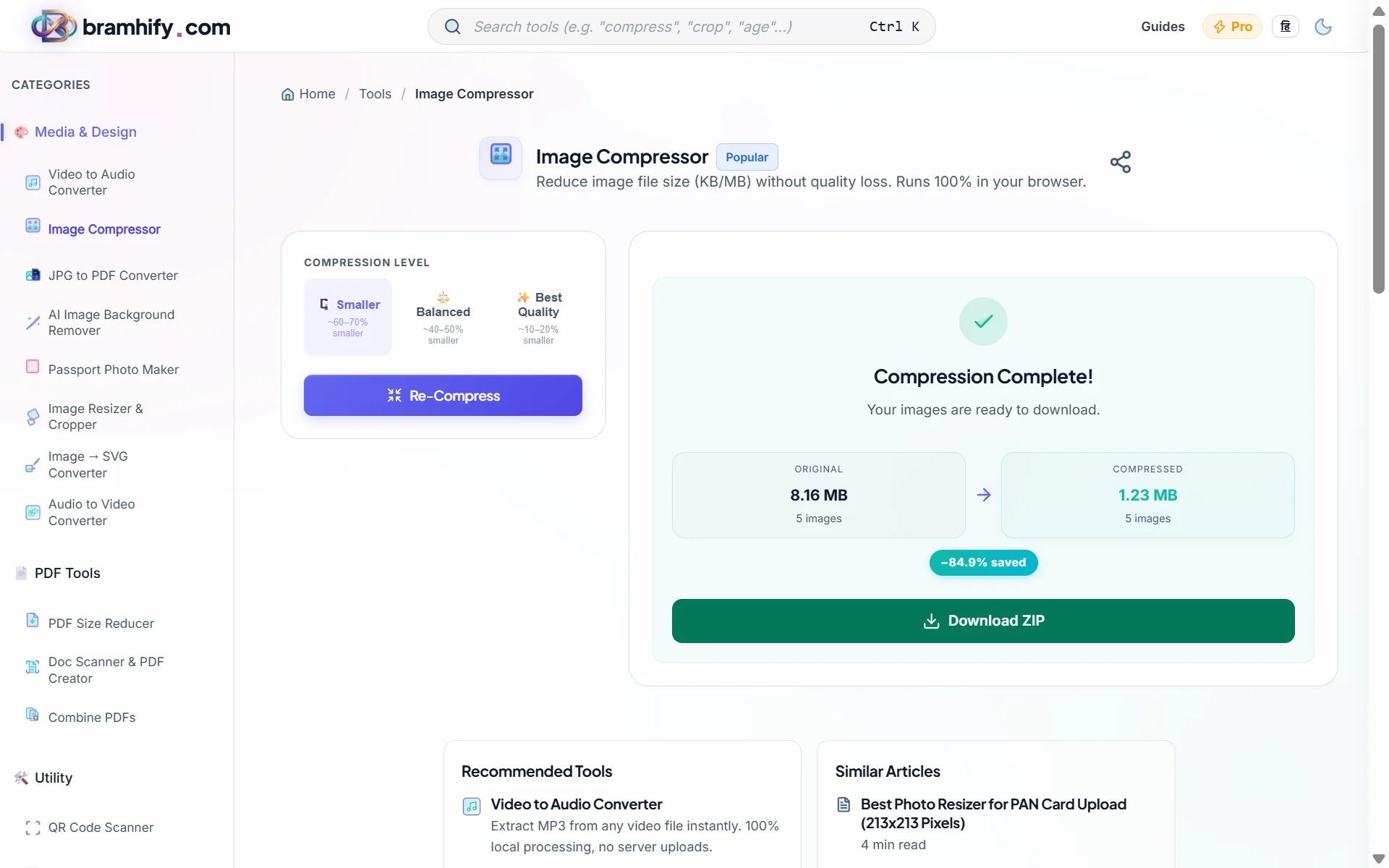
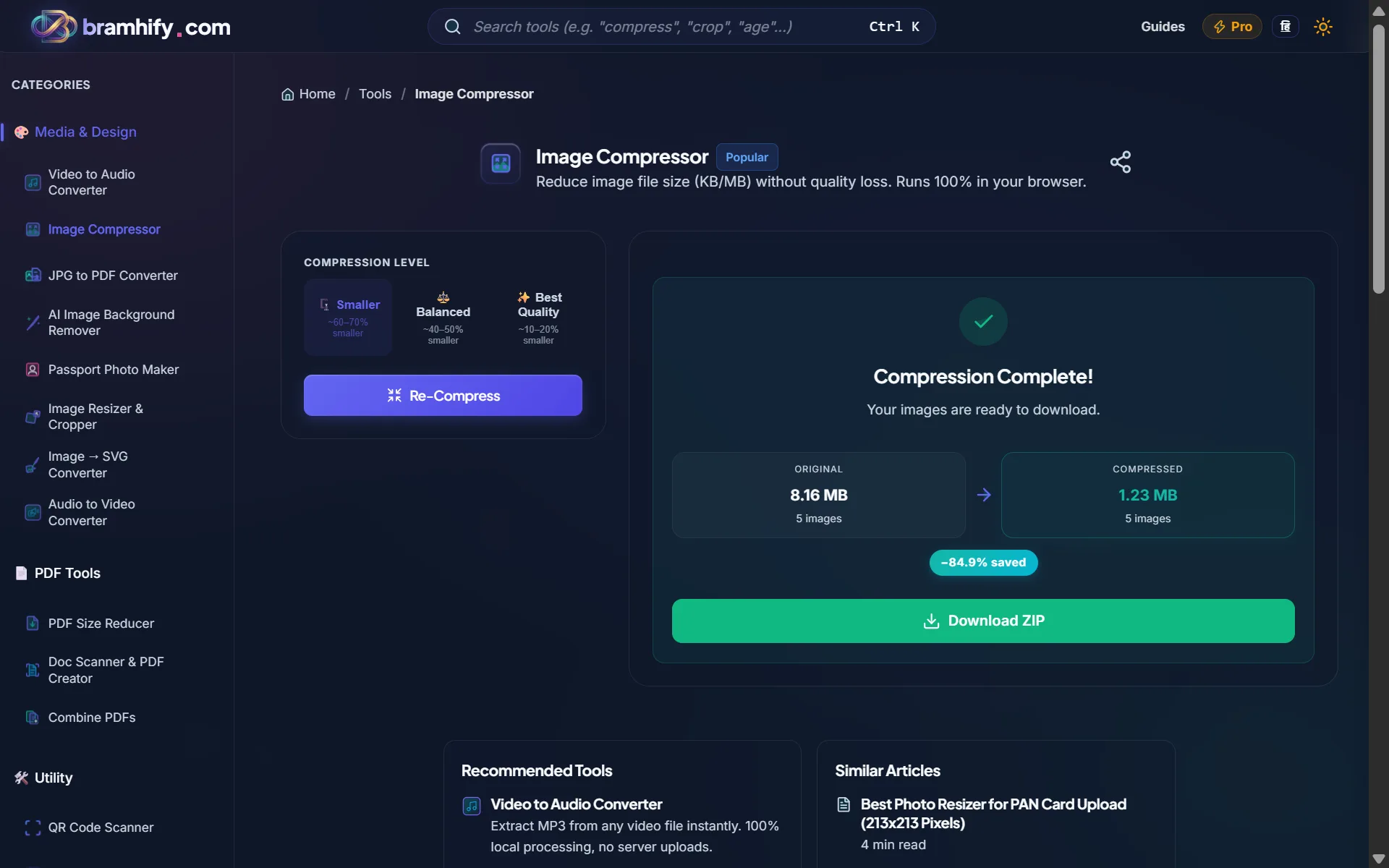
When the size is right and the text is readable, simply tap the bright "Download Optimized Image" button. The smaller version of your Aadhaar card will be instantly saved directly into your phone's gallery or computer's download folder.
Frequently Asked Questions
Which formats does the tool support?
The Bramhify Image Compressor supports standard formats like JPG, JPEG, PNG, and modern WebP images. If your phone takes pictures in HEIC format (common on newer iPhones), you may need to convert it to JPG first, or change your iPhone camera settings to "Most Compatible."
Why did the government portal reject my 49KB image?
Sometimes, a file that is 49.5KB will be rejected by a poorly coded government portal that strictly expects a size of exactly 50,000 bytes. If this happens, simply use our compressor again and drag the slider slightly further to the left to reach 45KB. This gives the portal's system a safe margin of error.
Can I compress multiple photos at once?
Yes! You can select up to 10 images at once using the multi-image mode. Use Add More to keep adding more photos (front + back of Aadhaar, PAN card, signature, etc.), or Clear List to start over. Once done, all compressed images download together in a single ZIP file.
Now you can go back to the government portal, SSC website, or banking app and upload this new, perfectly sized photo without facing any frustrating error messages!
Need to combine your Aadhaar front and back into a single PDF after compressing? See our guide on how to convert JPG photos to PDF for free. Or if you are also applying for jobs and need to calculate your exact age for the form, use our exact age calculator.