

Applying for a PAN card online through the NSDL portal is usually a smooth process—until you reach the document upload section. The portal will strictly reject your photo and signature if they do not meet their exact pixel requirements, leaving you stuck and frustrated.
The Problem with Generic Image Resizers
The NSDL requires your PAN card photo to be exactly 213x213 pixels and under 30KB. Most generic photo resizers on the internet only allow you to scale images by percentage or blindly compress the file size, making it nearly impossible to hit those precise pixel dimensions. Additionally, uploading your private photos and signatures to random cloud servers poses a significant identity theft risk.
The Bramhify Solution
Bramhify's Image Resizer is the best photo resizer for PAN card applications because it gives you absolute control over the exact pixel width and height. Furthermore, it processes your sensitive photos and signatures 100% locally in your browser. Your images never leave your device, ensuring maximum privacy and instant resizing.
Image Resizer:
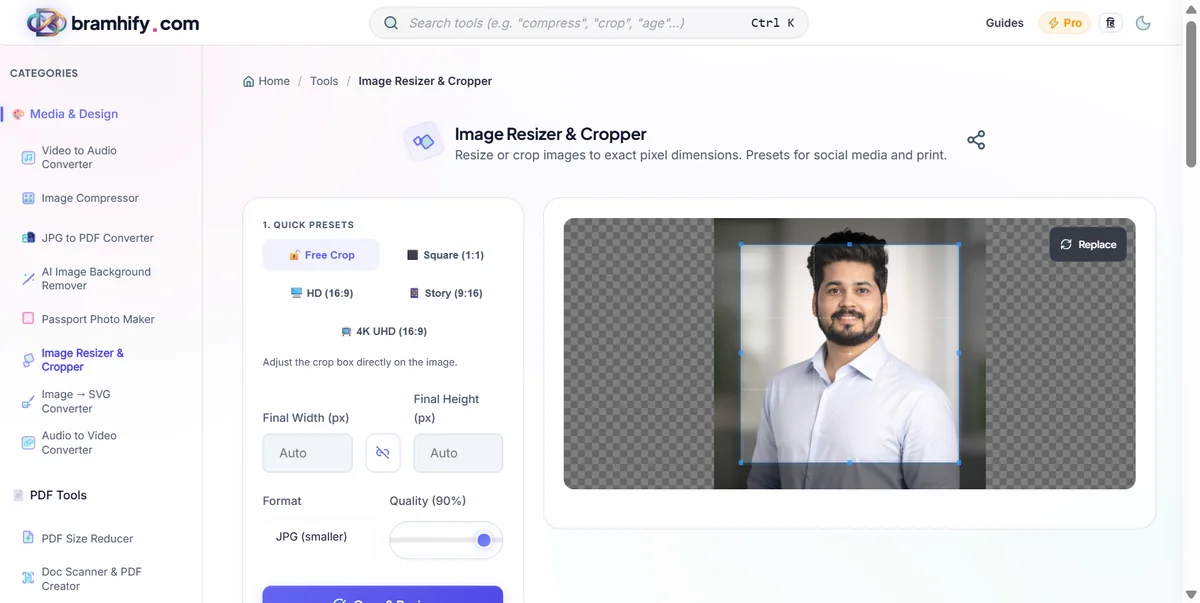
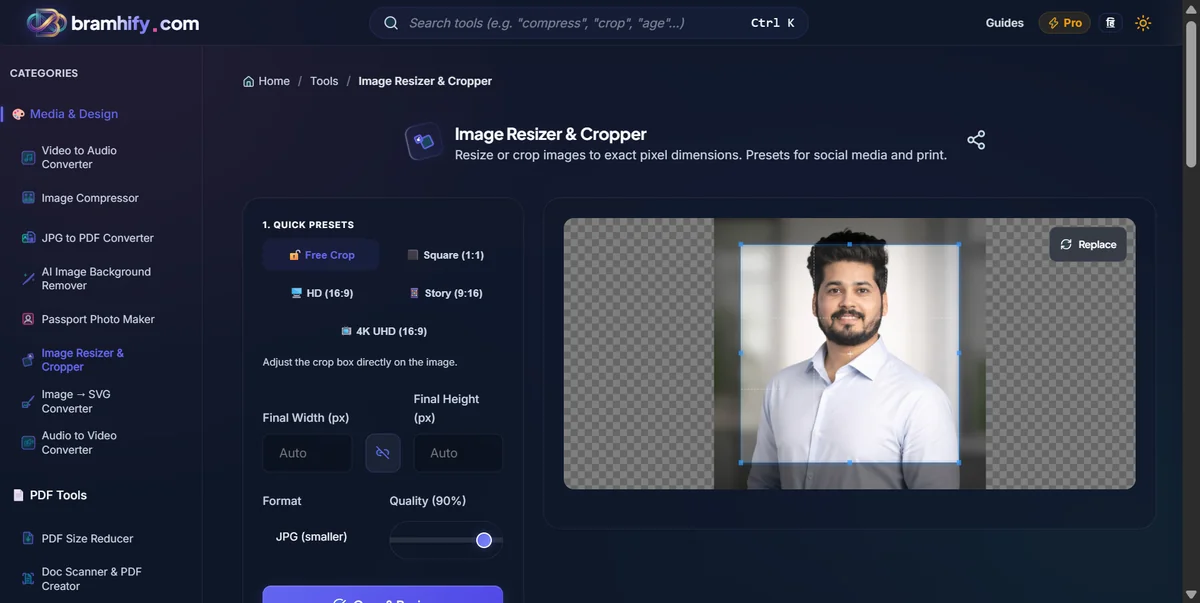

Quick Steps
Here is how you can resize your photo for the NSDL portal in just a few seconds:
Step 1: Upload Your Photo
Tap the upload area on the Image Resizer tool and select your scanned passport photo from your gallery.
Step 2: Set the Exact Dimensions
In the width and height fields, type exactly 213 for both. The NSDL requires a 213x213 pixel square image. Uncheck "maintain aspect ratio" if necessary to force the image into the square box.
Step 3: Resize and Check Quality
Tap the "Resize Image" button. The tool will instantly scale your photo to the exact required dimensions directly in your browser, maintaining the crispness of the image.
Step 4: Download the File
Tap download to save the resized photo securely to your device. It is now ready for a successful upload to the NSDL portal!
Frequently Asked Questions (FAQs)
Can I also use this tool to resize my signature for the PAN card?
Yes! The NSDL portal also requires your signature to be uploaded. You can use the exact same process to resize your scanned signature image to the required dimensions.
Will the resized photo be under the 30KB limit?
Our resizer optimizes the image file size automatically. However, if your original image was massive and the final file is still slightly above 30KB, you can use our Image Compressor tool to safely reduce the file size further without changing the 213x213 dimensions.
Is it safe to upload my signature here?
Absolutely. Since our Image Resizer processes your photos and signatures 100% locally on your device, your private data is never uploaded to our servers. It is completely safe from hackers and data leaks.
If you need help optimizing other government documents, check out our guide on how to compress your Aadhaar card photo online.