

You are applying for a visa, a PAN card update, or an important government ID in India, and the application portal has very strict photo requirements: "The applicant must upload a recent color passport-size photograph with a plain white background."
You have a great photo of yourself with good lighting, but you took it in your living room. The background is filled with furniture, walls, or trees. In the past, this meant you had to spend time and money visiting a local photo studio just to get a picture taken against a white screen.
Today, you can use your smartphone to instantly remove the messy background from your photo and replace it with a clean, professional transparent canvas - perfect for official applications.
Why You Shouldn't Use Cloud Photo Editors
When dealing with passport photos, you are handling sensitive biometric data. Your face is a key part of your identity.
If you use a random free background remover website you find on Google, you are almost certainly uploading your face to a foreign cloud server. These servers process your photo remotely, and there is no guarantee they will immediately delete your image. Your photo could be stored, analyzed, or used in facial recognition training datasets without you ever knowing.
For official government ID photos, uploading your image to unknown servers is a privacy risk you do not need to take.
The Bramhify Solution: 100% Local AI
Bramhify provides a completely private way to edit your photos. Our AI Image Background Remover uses an advanced artificial intelligence model (U2Net) that runs entirely inside your web browser.
This means that when you select your photo, the background removal happens directly on your device's processor. Your face is never uploaded to the internet. It is the most secure way to prepare your official ID photos for government and visa portals.
Remove Your Photo Background Here:

Quick Steps for a Clean Background
Follow these steps to securely prepare your photo for any ID application:
Step 1: Open the Background Remover
Tap the tool card above. It will launch instantly in your browser. There is no software to install or account to create.
Step 2: Upload Your Selfie
Tap the upload box on the screen and select the photo you want to use for your passport or ID. Make sure your face is clearly visible, well-lit, and you are looking straight at the camera.
Step 3: Wait for the AI
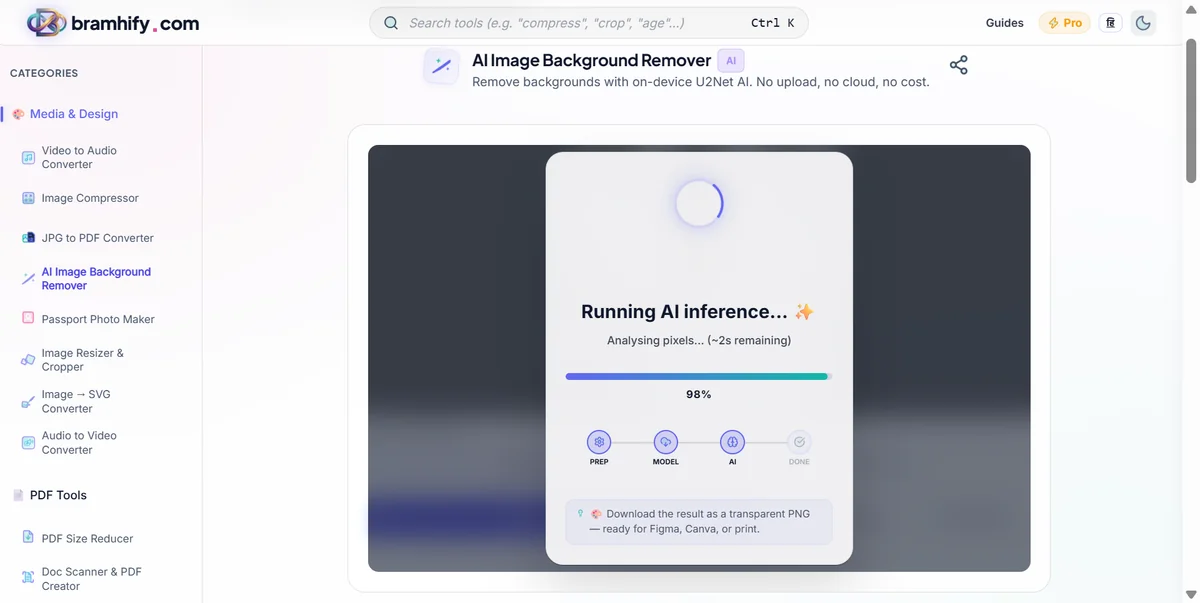
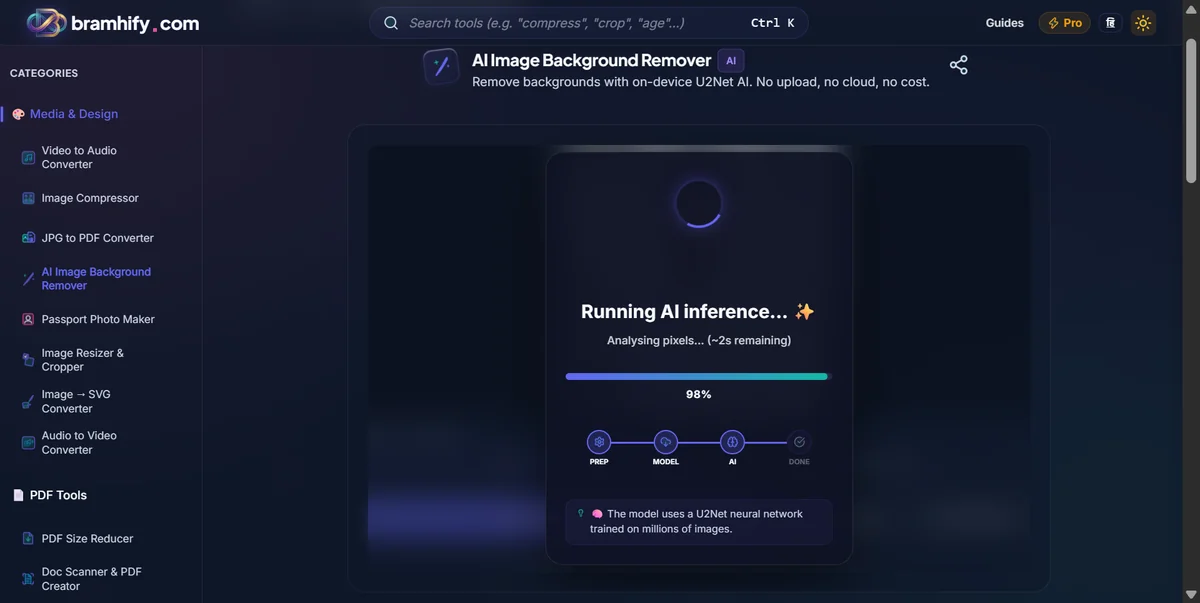
Once you select the image, a loading spinner will appear. The AI is now analyzing your photo, tracing the edges of your hair, face, and shoulders. This local processing usually takes just 5 to 10 seconds.
Step 4: Download the Transparent Image
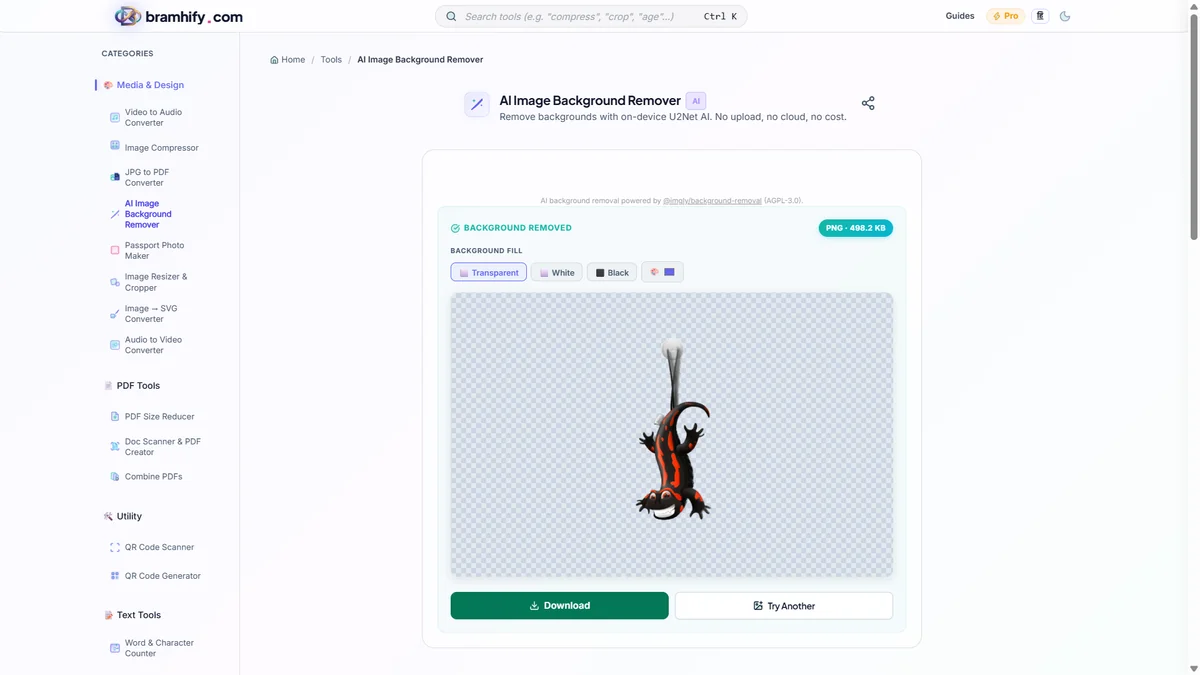
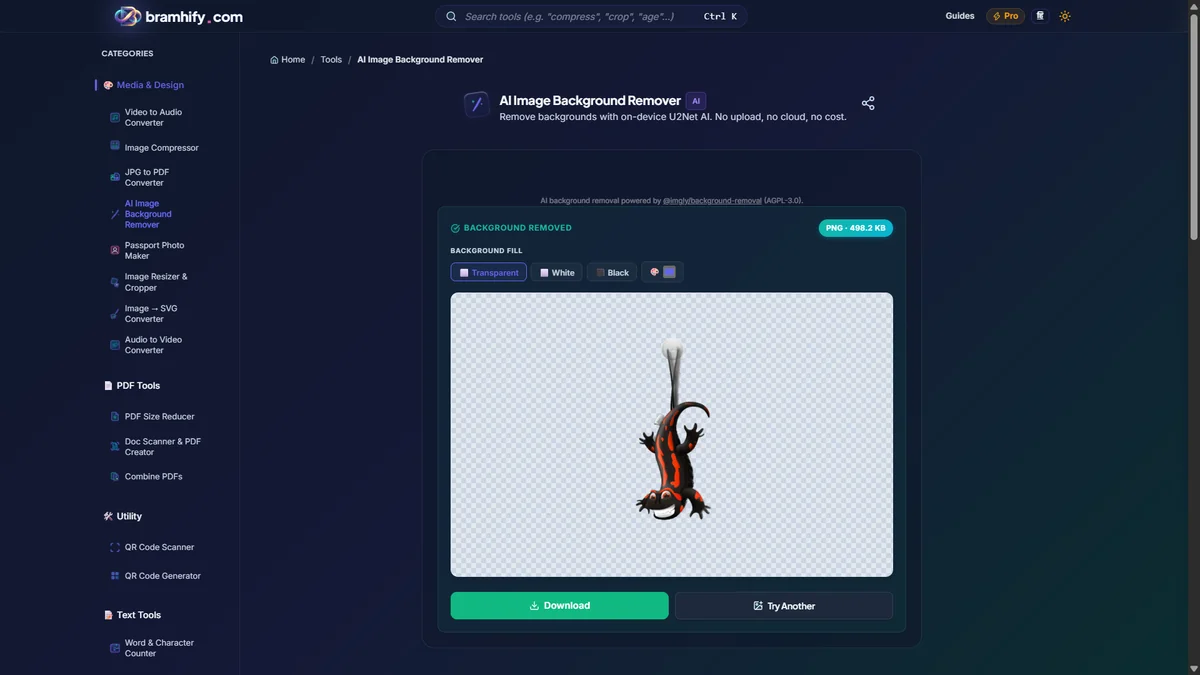
Your photo will appear with a checkered pattern behind it, indicating that the background is completely gone. Tap the download button to save this transparent PNG file to your device.
Next Step: Sizing and Adding a White Background
Now that you have a perfect cutout of yourself, you need to ensure it meets the exact size requirements (like 2x2 inches or 4x6 grid) and has the required solid white background.
To do this, take your newly downloaded transparent photo and use our free passport size photo maker. This tool will let you add the required white background, adjust the dimensions for Indian ID standards, and even generate a printable grid, all while maintaining the same 100% on-device privacy guarantee.