

Need a passport-size photo for an application, visa, or ID card, but don't want to pay high fees at a photo studio? With modern smartphone cameras and free online tools, you can take a professional-quality passport photo right from your living room.
In this guide, we will show you how to crop your photo to the exact official dimensions and automatically generate a 4x6 inch print sheet so you can print multiple copies for just a few cents at any local print shop.
Why You Shouldn't Pay for Passport Photos
Photo studios often charge a premium for what is essentially a 2-minute task. Worse, many online "free" passport photo generators either plaster a massive watermark across your face, force you to create an account, or quietly upload your personal photo to their servers.
Creating it yourself gives you:
- Total Privacy: You don't have to upload your face to a random server.
- Infinite Retakes: Don't like how you look? Take another photo until you get the perfect one.
- Massive Savings: Generating the 4x6 print sheet yourself means you only pay the standard photo printing cost at a local shop (usually less than $0.20 or ₹10 for 8 copies).
Step-by-Step: Making Your Passport Photo
Step 1: Take a Good Photo
First, you need a raw photo. Stand in front of a plain white or light-colored wall. Make sure the room is well-lit, preferably with natural sunlight facing you to avoid harsh shadows on your face or behind your head. Look straight at the camera with a neutral expression.
Step 2: Use a Local, Private Tool
Head over to the tool using the link below. Unlike other tools, Bramhify processes the image entirely inside your browser. Your photo never leaves your device, guaranteeing 100% privacy.
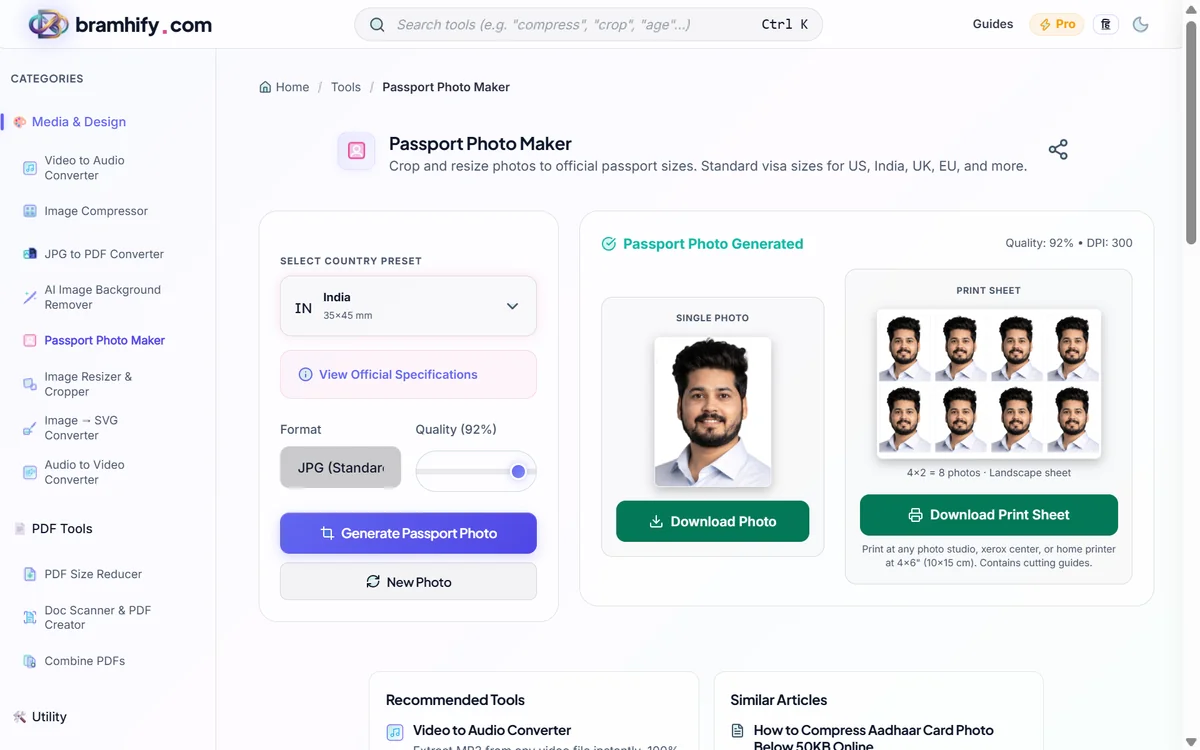
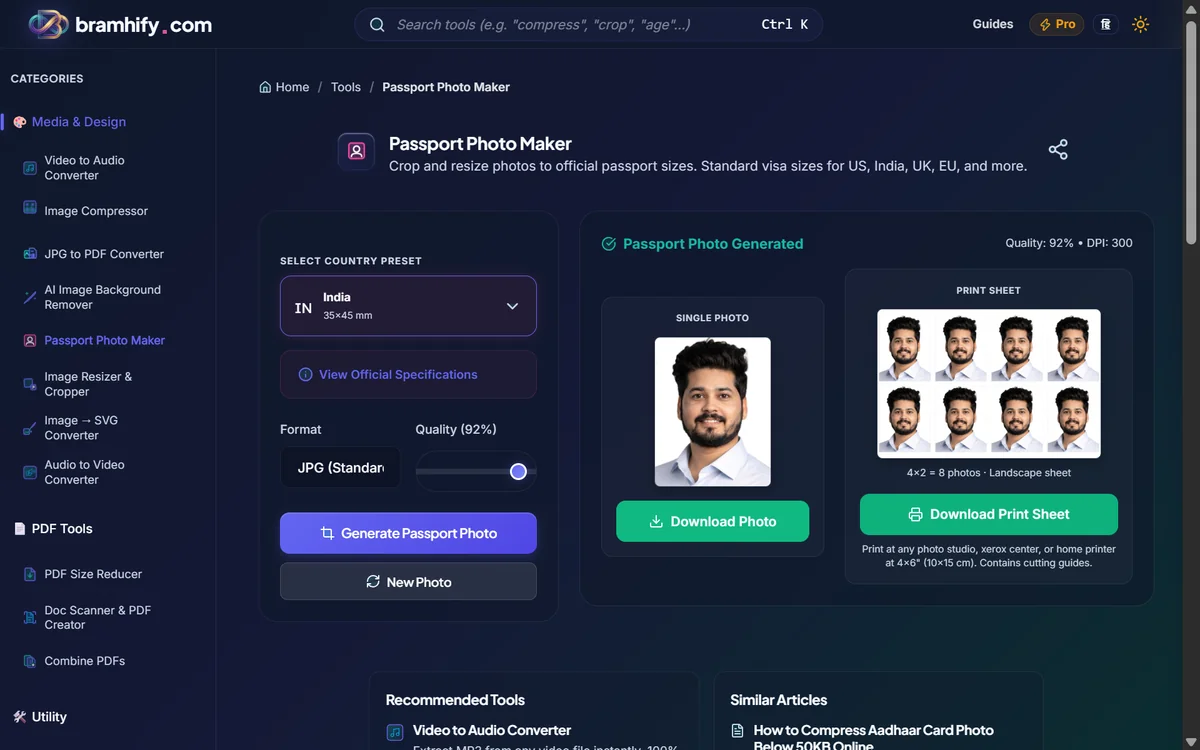

Step 3: Upload and Crop
Look for the big box in the middle of your screen with the upload icon. Tap on it once with your finger (or click if you are on a computer). This will open your phone's gallery. Choose the photo you just took.
Next, you will see a box over your face. This is the cropping tool. You can use your finger to move this box around. Make sure your face is exactly in the center. Leave a little bit of empty space above your head, and make sure your shoulders can be seen at the bottom.
Step 4: Make the 4x6 Print Sheet
Now, a single small photo is useless because a photo shop cannot print it easily. You need a standard 4x6 inch photo sheet.
Look for the button that says "4x6 Print Sheet" and tap it. Like magic, the tool will automatically copy your face 8 times and arrange it neatly on a single, normal-sized 4x6 photo layout.
Step 5: Download and Print at a Local Shop
Tap the "Download" button to save the final picture to your phone's gallery.
Now, just send this downloaded picture on WhatsApp or email to your local photo studio (the kirana store or cyber cafe that does printing). Tell them, "Bhaiya, please print this as a regular 4x6 size photo."
They will print it on glossy photo paper for just ₹10 or ₹20. Bring it home, take a pair of scissors, and cut along the lines. You now have 8 professional passport photos ready to use!
A Note on Privacy
When dealing with identification photos, privacy is critical. Because the Bramhify Passport Photo Maker processes everything on your own device, no image data is ever sent to the internet. Your face photo stays on your phone from start to finish.
Try the Passport Photo Maker today and never overpay for ID photos again!
Once you have your passport photo sorted, you may also need to compress the Aadhaar or PAN card photos for the same application. Read our guide on how to compress an Aadhaar card photo below 50KB. Or if you need to combine all your documents into a single PDF, see how to convert JPG to PDF free.