

You’ve just spent an hour filling out a complex form on the Passport Seva, UPSC, or SBI portal. You finally reach the document upload section. You select your scanned Aadhaar card PDF, hit submit, and immediately face a red error message: "File size too large. Please upload a PDF below 500KB."
Modern smartphone scanners create high-quality documents, but they also generate massive files. A simple two-page scan of your mark sheets or PAN card can easily exceed 2MB to 3MB. Government and bank websites simply will not accept files this heavy.
In this guide, we will show you how to quickly reduce your PDF file size to meet these strict upload limits without making the text blurry, and without uploading your most sensitive documents to random cloud servers.
Why Privacy Matters for ID Documents
When faced with a file size error, the most common reaction is to Google "compress PDF" and click the first result. But there is a massive hidden risk here.
Most popular PDF compression websites operate on cloud servers. This means when you compress your Aadhaar card, PAN card, or salary slips, your file is literally uploaded from your phone to their server. They process it remotely, and then you download the smaller version.
Even if these companies promise to delete your files, you are handing over your biometric identity, financial history, and personal address to an unknown third party. For documents like bank statements and government IDs, this is an unnecessary security risk.
Never upload your Aadhaar card or PAN card to a random cloud server.
The Bramhify Solution: 100% Local Processing
Instead of uploading your sensitive files to a server, you can use modern browser technology to compress the PDF directly on your own device.
The Bramhify PDF Size Reducer runs entirely inside your mobile phone or computer. The compression is done by your device's own processor. This means your private ID never touches the internet, ensuring 100% privacy and security.
Reduce Your PDF Size Here:
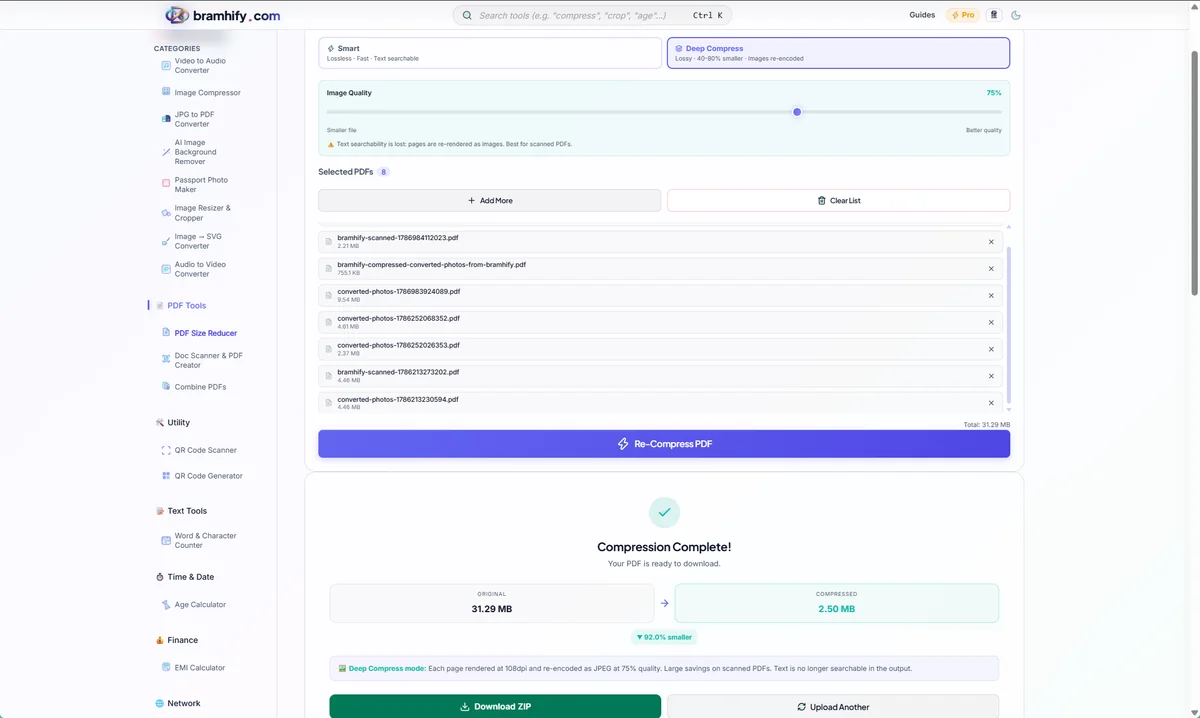
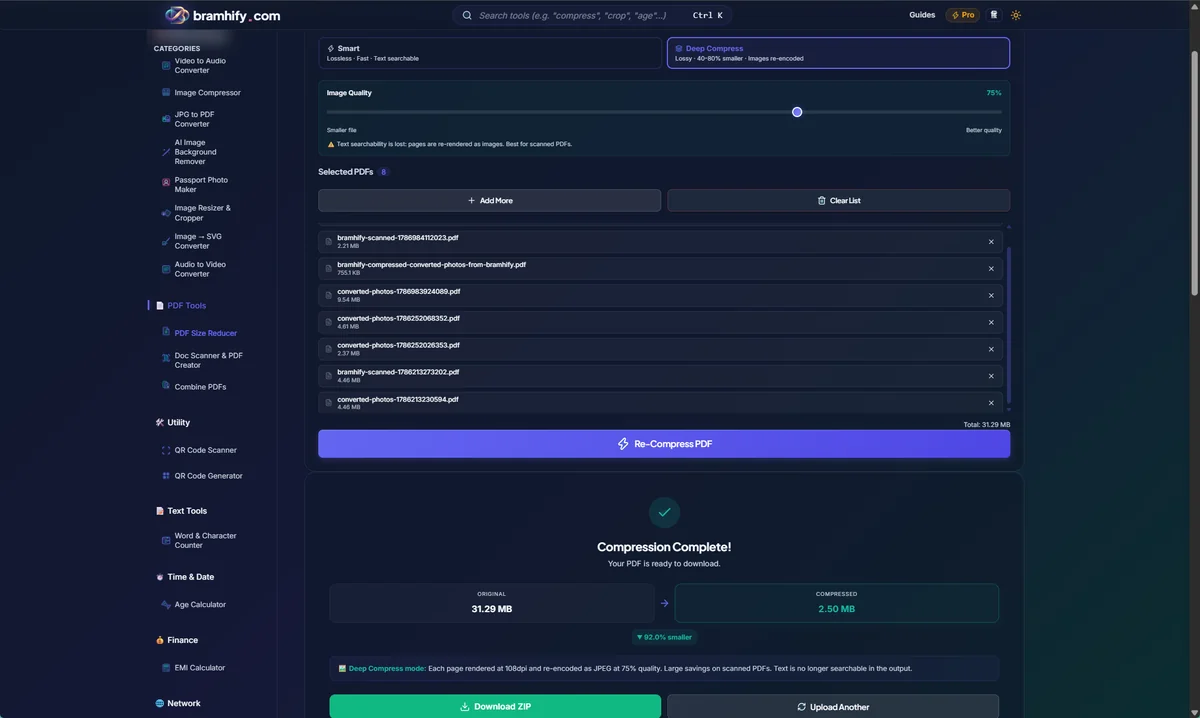

Quick Steps to Compress PDF Below 500KB
Follow these easy steps to compress your documents privately:
Step 1: Open the PDF Reducer
Tap the tool card above to open the Bramhify PDF Size Reducer. You don't need to install any app or create an account. It works instantly in your browser.
Step 2: Choose Your PDF Document
Tap the upload box in the center of the screen. This will open your phone's file manager or document picker. Select the heavy PDF file that was rejected by the government portal.
Step 3: Select the Compression Level
The tool gives you options on how aggressively you want to reduce the size. If your file is around 1MB to 2MB, the standard compression level is usually enough to drop it below 500KB while keeping all the text crystal clear. If your file is extremely large (like 10MB), you might need to select a stronger compression level.
Step 4: Download and Upload
Tap the button to compress the file. In a few seconds, a new, optimized PDF will be generated by your phone. Tap download to save it.
You can now go back to the UPSC, Passport Seva, or banking portal and successfully upload your document without any size errors!
Need More Help with Documents?
If you have multiple separate documents that need to be combined into a single file before uploading, check out our guide on the best free PDF tools that never upload your files.
Or, if your Aadhaar card is currently a photo instead of a PDF, read our guide on how to compress an Aadhaar card photo below 50KB before converting it.