

You need to shrink a photo. Maybe it is a 5 MB image that won't attach to an email, or a high-resolution scan that a government portal rejects for being too large. You search "compress image online" and land on TinyPNG, iLoveIMG, or Squoosh. All solid tools. But before you drag your Aadhaar card scan or passport photo into any of them, it is worth understanding how each one actually works behind the scenes.
This is an honest breakdown of the most popular image compressors in 2026, including where each one genuinely excels and where it falls short.
Quick Comparison
| Feature | TinyPNG | iLoveIMG | Squoosh (Google) | Bramhify |
|---|---|---|---|---|
| Privacy | ❌ Uploads to server | ❌ Uploads to server | ✅ Local processing | ✅ Local processing |
| Batch Support | ✅ Yes (limited free) | ✅ Yes (limited free) | ❌ Single image only | ✅ Up to 10 images |
| Free Tier Limits | 20 images/month, 5 MB each | Daily task cap | Unlimited | Unlimited |
| Quality Control | Auto only | Basic | Advanced (codecs) | 3 presets + slider |
| API / Developer Tools | ✅ REST API + WordPress plugin | ✅ API available | ✅ CLI available | ❌ No API |
| Offline / PWA | ❌ No | ❌ No | ✅ Yes | ✅ Yes |
| Hindi Interface | ❌ No | ❌ No | ❌ No | ✅ Yes |
Where the Competitors Excel
Let's be fair. These tools are popular for good reasons.
TinyPNG has earned its reputation through sheer simplicity. You drop an image, it compresses it, you download. No sliders, no decisions. Their "smart lossy" algorithm is remarkably good at shrinking PNGs while preserving transparency. For web developers, the WordPress plugin and REST API are genuinely useful. If you run a blog and want automated compression in your deployment pipeline, TinyPNG's developer ecosystem is hard to beat.
iLoveIMG is a Swiss Army knife. Beyond compression, it handles cropping, resizing, watermarking, and format conversion in one place. If you need to resize AND compress in a single workflow, having everything under one roof saves time.
Squoosh (by Google) gives you fine-grained codec control that no other free tool matches. You can compare MozJPEG vs AVIF vs WebP side-by-side, drag the quality slider, and see the exact byte difference in real time. For developers optimizing website assets, Squoosh's precision is unmatched.
Where Bramhify Wins
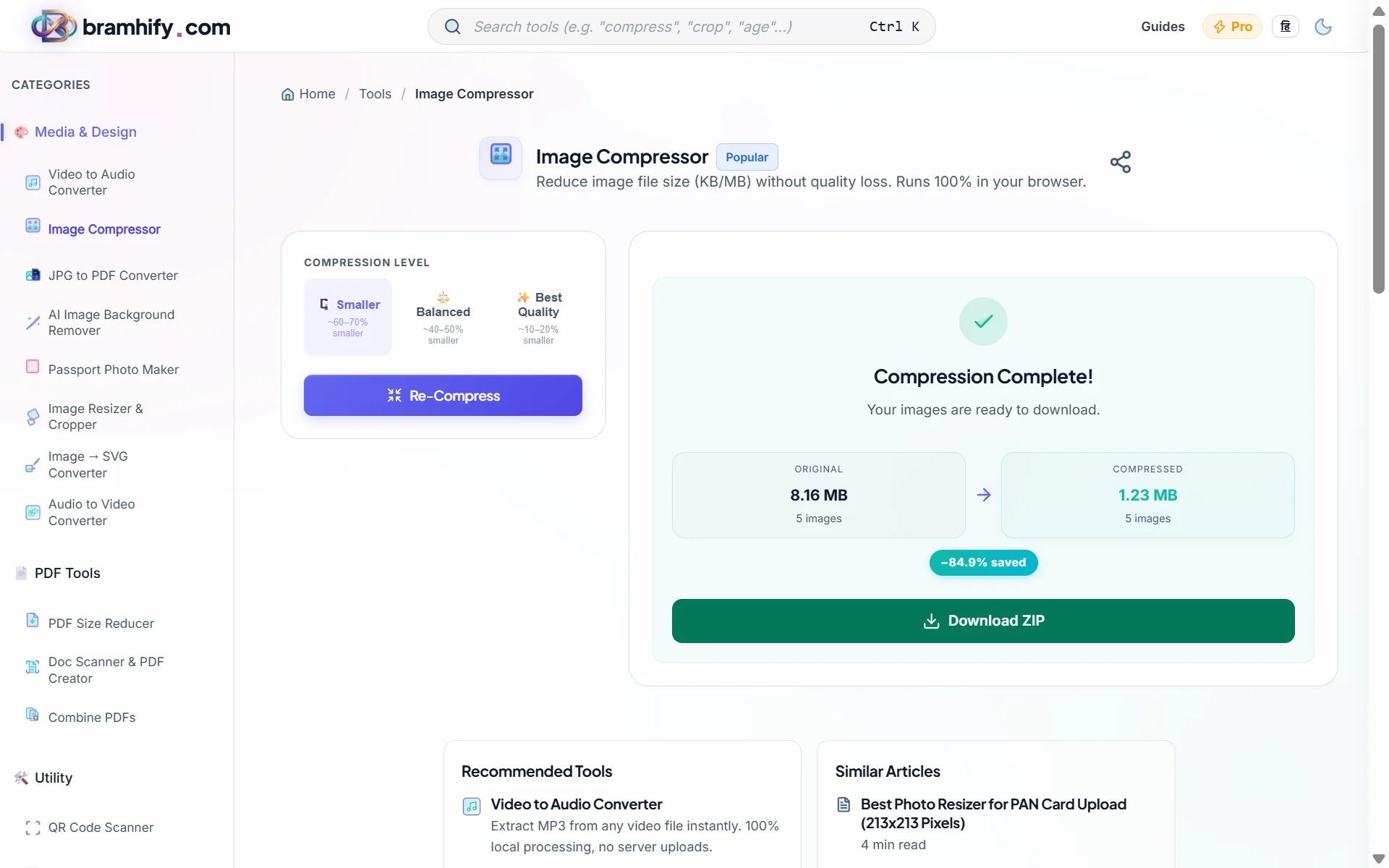
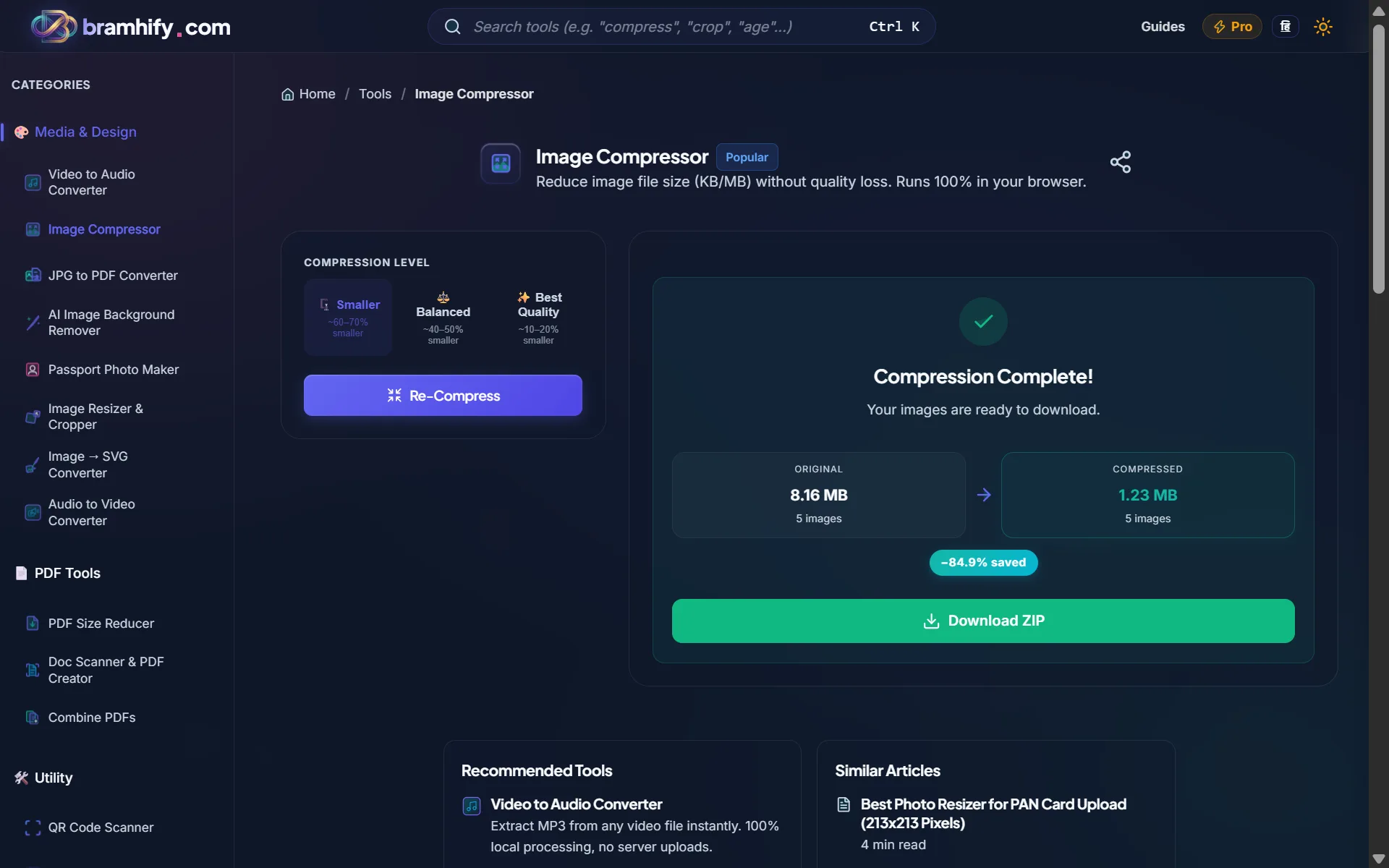
Bramhify's architecture is fundamentally different. When you drop a photo into Bramhify, the compression happens entirely inside your browser using native Canvas and encoding APIs. The image never leaves your device. Not temporarily, not encrypted, not "deleted after 1 hour." It simply never uploads.
This matters because TinyPNG and iLoveIMG both require your image to travel to their servers for processing. They encrypt the transfer, and they delete files after a set window. That is perfectly fine for a blog thumbnail. But for an Aadhaar card scan? A medical prescription? A photo of your child? The safest server is the one that never receives your file in the first place.
Beyond privacy, Bramhify removes the friction that plagues free tiers. There are no daily task limits, no "20 images per month" caps, and no account signup. You open the page, compress your photos, and close the tab. Three quality presets (Web, Balanced, Maximum) with clear labels like "Best for web" and "No visible loss" make the choice obvious for non-technical users.

The Privacy Reality Check
When TinyPNG says "we delete your files after a few hours," that is reassuring but incomplete. During processing, your image exists on their infrastructure. It travels over the internet (encrypted, yes), gets decoded on their servers, compressed, and held until you download the result. For a food photo or a product image, this is perfectly fine. No reasonable person would worry about that.
But India runs on document uploads. Government portals for UPSC, SSC, Passport Seva, and PAN card applications all have strict file size limits (often 50 KB to 200 KB). The photos being compressed are identity documents: your face, your Aadhaar number, your signature. Uploading these to a foreign cloud service, even briefly, creates an unnecessary risk when a fully local alternative exists.
Bramhify processes everything using your browser's built-in image encoding. You can verify this yourself: open the tool, disconnect your Wi-Fi, and compress a photo. It works. That is because the file never needs to leave.
Honest Limitations: Where Bramhify Falls Short
No tool is perfect for every use case, and Bramhify is no exception.
- No API or developer integrations. If you need automated compression in a CI/CD pipeline, WordPress plugin, or Figma workflow, TinyPNG's API is the right choice. Bramhify is designed for hands-on, human use.
- No cloud storage import. You cannot pull images directly from Google Drive or Dropbox. You need to select files from your device.
- Animated GIFs are not supported. If you need to compress animated GIFs, a specialized tool is needed.
If any of those are dealbreakers for your workflow, the competitors genuinely serve those needs better.
Frequently Asked Questions (FAQs)
Is TinyPNG safe for compressing Aadhaar or PAN card photos?
TinyPNG uses HTTPS encryption for file transfers and deletes images from their servers after processing. For general photos, this is safe. However, identity documents like Aadhaar and PAN cards contain sensitive personal data. If you want zero risk of your ID photo existing on a third-party server, even temporarily, a browser-based compressor like Bramhify that processes locally is the safer choice.
Does Bramhify compress images as well as TinyPNG?
Both tools produce excellent results for web-ready images. TinyPNG uses a proprietary "smart lossy" algorithm on their servers, while Bramhify uses your browser's native Canvas API encoding. For most use cases (email attachments, social media uploads, portal submissions), the output quality is comparable. The key difference is where the processing happens, not the compression quality itself.
Which free image compressor has no limits?
Among popular tools, TinyPNG limits free users to 20 images per month (max 5 MB each), and iLoveIMG imposes daily task caps. Squoosh and Bramhify are both genuinely unlimited since they process locally and incur no server costs. Bramhify additionally supports batch processing (up to 10 images at once), which Squoosh does not.
Can I compress images offline without installing software?
Yes. If you install Bramhify as a PWA (Progressive Web App) from your browser, it works offline on subsequent visits. Squoosh also supports offline use. TinyPNG and iLoveIMG require an active internet connection since they process on their servers.
Is there a free TinyPNG alternative without a monthly limit?
Bramhify's Image Compressor has no monthly caps, no account signup, and no file size restrictions. It runs entirely in your browser and supports JPG, PNG, and WebP formats. For users who compress images frequently (students, job applicants, small business owners), this removes the friction of tracking how many free compressions you have left.
Final Verdict
Use TinyPNG if you are a developer who needs an API, a WordPress plugin, or automated compression in a build pipeline. Its ecosystem is mature and well-documented.
Use iLoveIMG if you need an all-in-one suite that combines compression with resizing, cropping, and watermarking in a single workflow.
Use Squoosh if you want precise, codec-level control and side-by-side visual comparisons for optimizing web assets.
Use Bramhify if your priority is privacy, unlimited free usage, and the peace of mind that your photos (especially identity documents) never leave your device. It is the only tool in this comparison that combines batch processing, quality presets, offline PWA support, and Hindi language support with zero server uploads.
Related guides: How to Compress Images Without Losing Quality | How to Compress Aadhaar Card Photo Online