

You have finally found the perfect job opening on Naukri, a government recruitment portal, or a company's career page. You are ready to apply, but the application form only has one upload button.
The instructions state: "Please upload your Resume, 10th/12th Marksheets, Degree Certificate, and previous Experience Letters as a single combined PDF file."
You have all these documents ready, but they are saved as five different PDF files scattered across your phone or laptop. In this guide, we will show you how to merge multiple PDFs into one complete job application file - quickly, securely, and completely offline.
The Danger of Using Cloud PDF Mergers for Job Hunts
When faced with this problem, most job seekers quickly search for "merge PDF online" and use the first website they find. This is a massive privacy risk that could cost you more than just a job.
Think about what is inside your job application folder. Your resume contains your personal phone number, home address, and complete educational history. Your experience letters often detail your previous salary, and your marksheets contain your date of birth and ID numbers.
When you use a cloud-based PDF merger, you are literally uploading all of your most sensitive personal and financial data to a random, unknown server on the internet. These free services often stay in business by mining and selling the data uploaded by their users. Your career documents should never touch a third-party server.
The Bramhify Solution: 100% Private PDF Merging
Bramhify's PDF Merger provides a perfectly secure alternative by bringing the power of PDF software directly into your web browser.
When you use our tool to combine PDFs, the code runs locally on your device's processor. None of your documents are ever uploaded to the internet. You can merge your highly confidential salary slips and offer letters with 100% peace of mind, knowing your data stays strictly on your own computer or smartphone.
Merge Your Application Documents Here:

Step-by-Step: Combine Your Application
Follow these easy steps to build a single, professional PDF for your job application:
Step 1: Open the PDF Merger
Tap the tool card above to launch the Bramhify PDF Merger. There are no downloads or sign-ups required.
Step 2: Upload All Your Documents
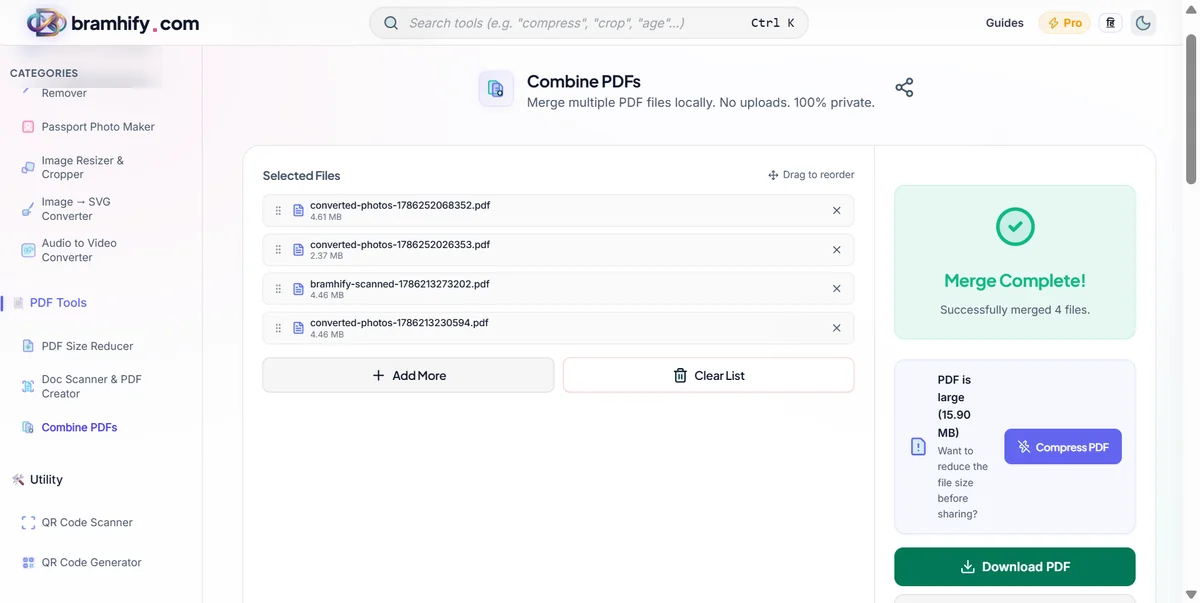
Tap the upload box and select all the PDF files you need to include in your application. You can select your resume, your degree certificates, and your experience letters all at once. If you are on a computer, you can simply drag and drop them all onto the screen.
Step 3: Arrange the Order
When applying for a job, presentation matters. The recruiter should see your resume first, followed by your experience, and then your education.
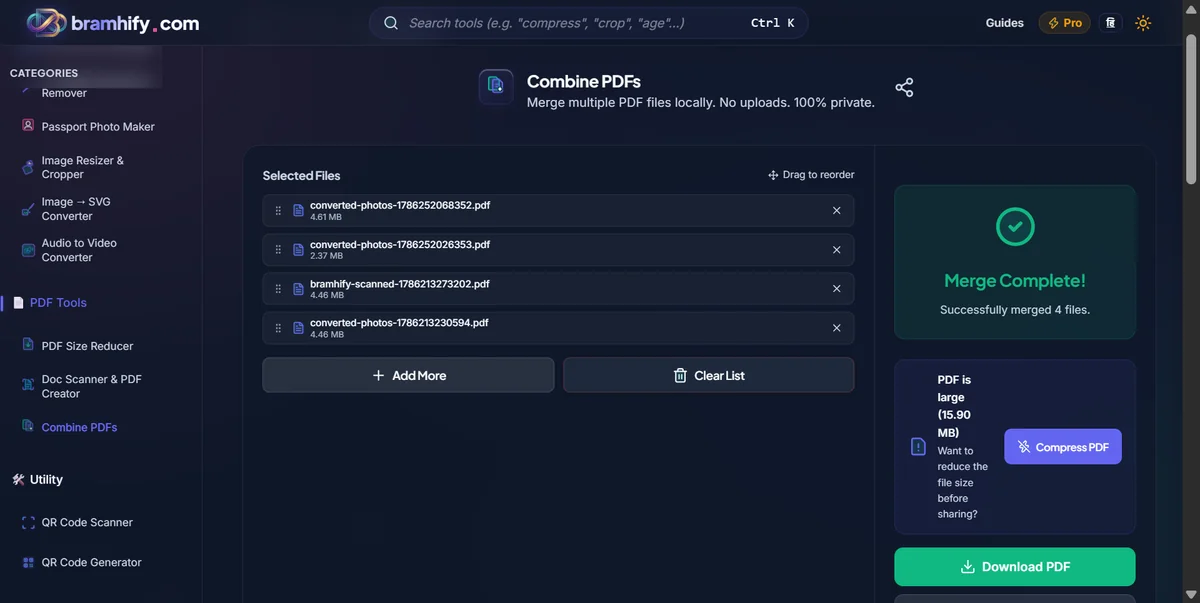
Our tool displays all your uploaded PDFs as interactive cards. Simply tap and drag the cards to rearrange their order. Put your Resume at the very top (position 1), your Experience Letters next, and your Marksheets at the bottom.
Step 4: Merge and Download
Once your documents are in the correct sequence, tap the "Merge PDFs" button. The tool will instantly stitch them all together into a single, seamless document. Tap download to save the new combined file to your device.
Your complete application is now ready to be securely uploaded to the recruitment portal!
Need More Help Preparing Your Application?
If some of your educational documents are currently photos on your phone instead of PDFs, you will need to convert them first. Use our guide on how to convert JPG to PDF for free before merging them.
Alternatively, if you want to explore more tools that respect your privacy while handling professional documents, check out our list of the best free PDF tools that never upload your files.