

Have a confidential meeting recording or private video and need just the audio? Using cloud-based video converters puts your sensitive files at risk of being stored on unknown servers.
The Hidden Risk of Cloud Converters
When you upload corporate meeting recordings, confidential interviews, or personal videos to random internet tools, you lose control of your data. These servers often retain files, and data breaches are common.
The Bramhify Solution
Instead of uploading your files, you can use Bramhify's Video to Audio Converter. Our tool uses WebAssembly to process your video locally right inside your browser. Your data never leaves your phone, guaranteeing 100% privacy and security.
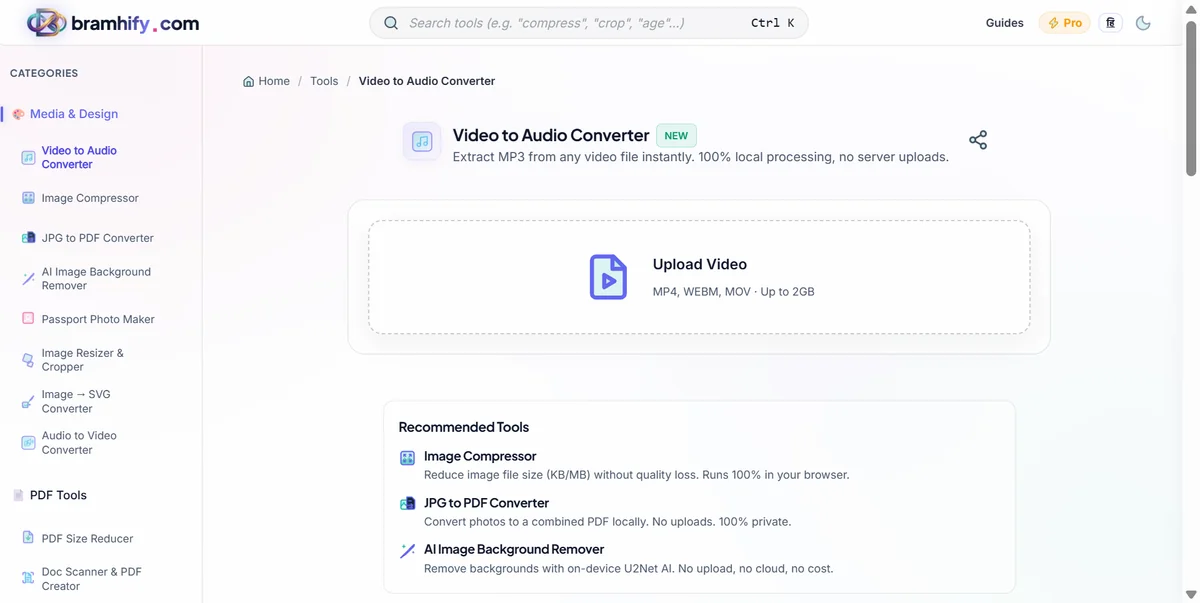
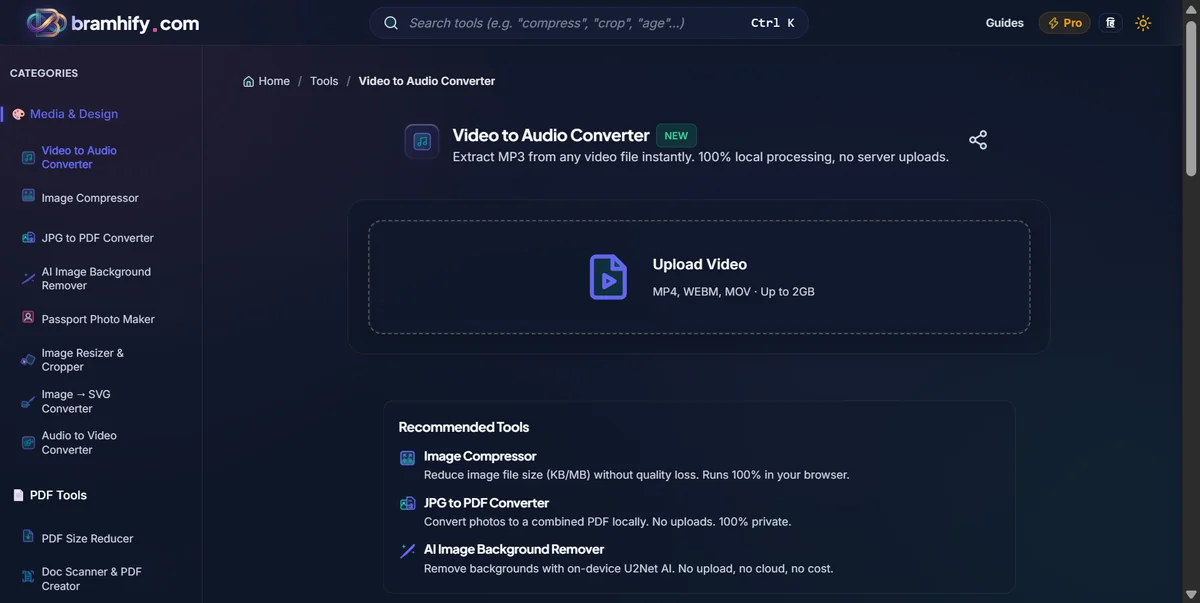
Video to Audio Converter:

Step-by-Step Guide
Here is how you can securely extract audio from your videos:
Step 1: Upload Your Video
Tap on the upload area in the tool. Select your MP4, WEBM, or MOV video file. Because it processes locally, there is no waiting for a slow upload to finish.
Step 2: Choose Your Format
Select the output format you need. MP3 is great for standard podcast or voice notes, while WAV offers uncompressed quality if you need pristine audio.
Step 3: Extract the Audio
Tap the "Extract Audio" button. The tool will instantly strip the video and prepare your audio file directly on your device.
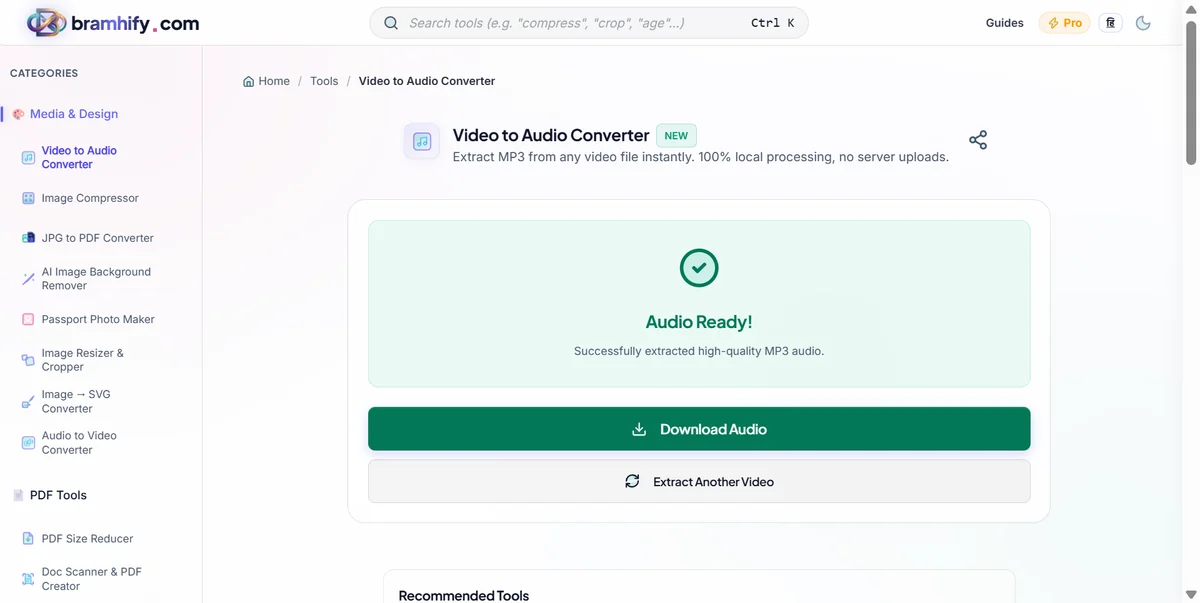
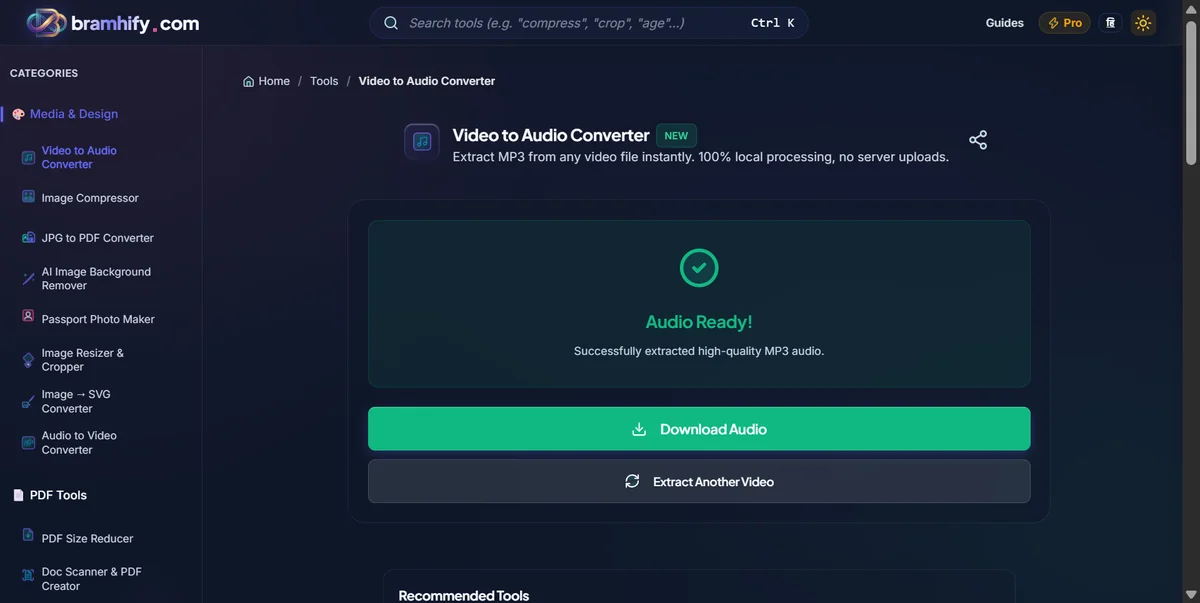
Step 4: Download the Audio File
Tap download to securely save the extracted MP3 file to your device. That’s it! Your private audio never left your phone or computer.
Frequently Asked Questions (FAQs)
Is there a file size limit for extracting audio?
No, because our tool processes the video locally using your device's memory, there are no artificial file size limits. It will handle large video files just fine, limited only by your browser's memory capacity.
Will extracting the audio reduce its quality?
No. Our tool strips the audio track directly from the video container in its original quality without performing any additional aggressive compression.
Is it safe to upload confidential corporate videos?
Yes! "Uploading" is just a term for selecting the file. Since Bramhify uses WebAssembly, your video never actually leaves your device. It is processed 100% locally, meaning no one else can ever access your confidential recordings.
For more audio tricks, check out how to convert audio to video with background image and how to compress images.