

You just finished hosting an amazing 2-hour Zoom webinar or interview, and the conversation was pure gold. Now you want to distribute that session as an audio podcast on Spotify or Apple Podcasts, but you only have a massive MP4 video file.
Why Privacy and Costs Matter for Creators
Uploading a 1-2 hour video file to an online converter takes forever, eats up your data, and often requires a paid subscription just to bypass their "maximum file size" limits. Furthermore, if you are extracting audio from a confidential team meeting or Google Meet, uploading it to random third-party servers is a massive security risk.
The Bramhify Solution
Bramhify's Video to Audio Converter is designed to solve this perfectly for educators and podcasters. It processes your massive webinar recordings 100% locally on your own device. There are no file size limits, no slow uploads, and absolutely zero subscriptions required.
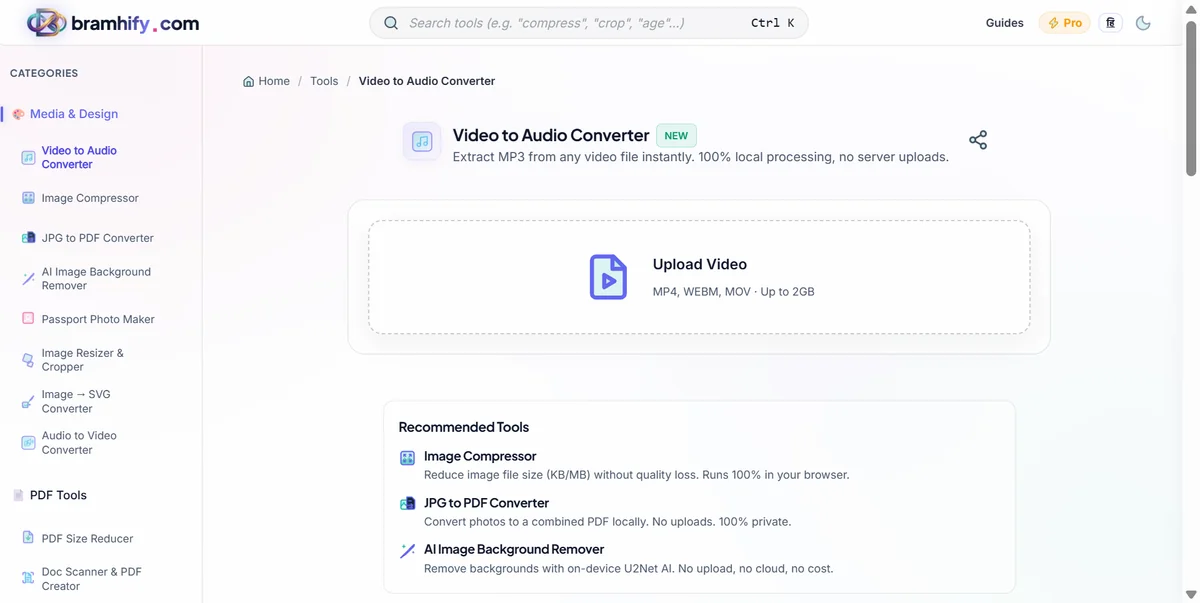
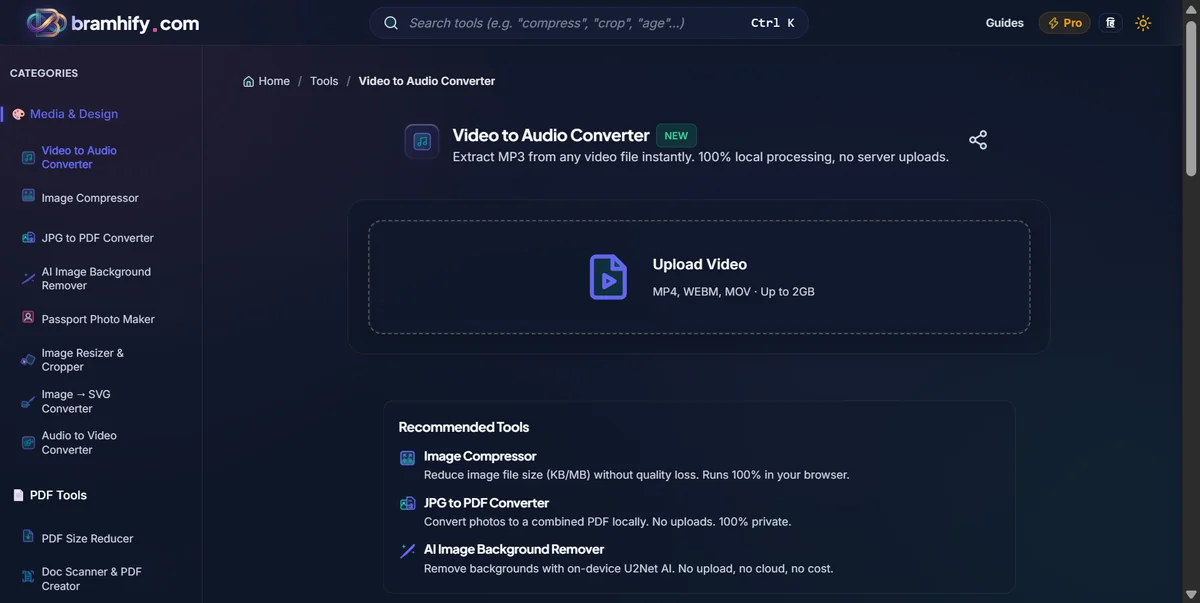
Video to Audio Converter:

Quick Steps
Step 1: Upload Your Webinar Video
Tap the upload area and select the MP4 or WEBM file of your Zoom or Google Meet recording. Since processing happens on your device, the file will load instantly regardless of its size.
Step 2: Extract as MP3
Ensure the output format is set to MP3, which is the standard format required by podcast hosting platforms. Tap "Extract Audio" and let the tool strip out the pristine audio track from your video.
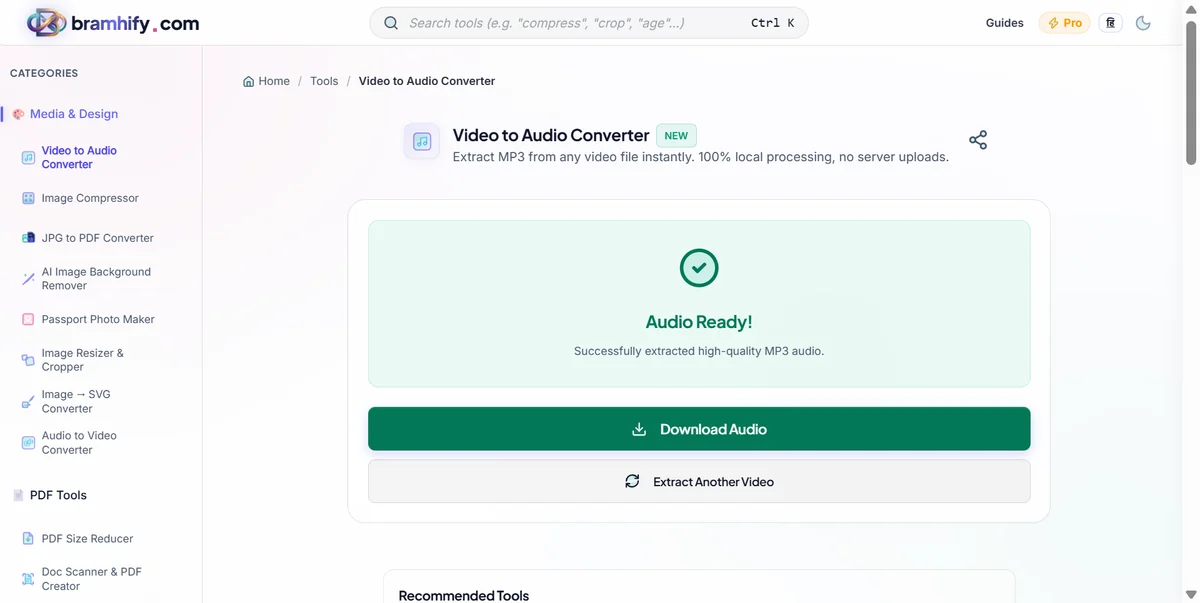
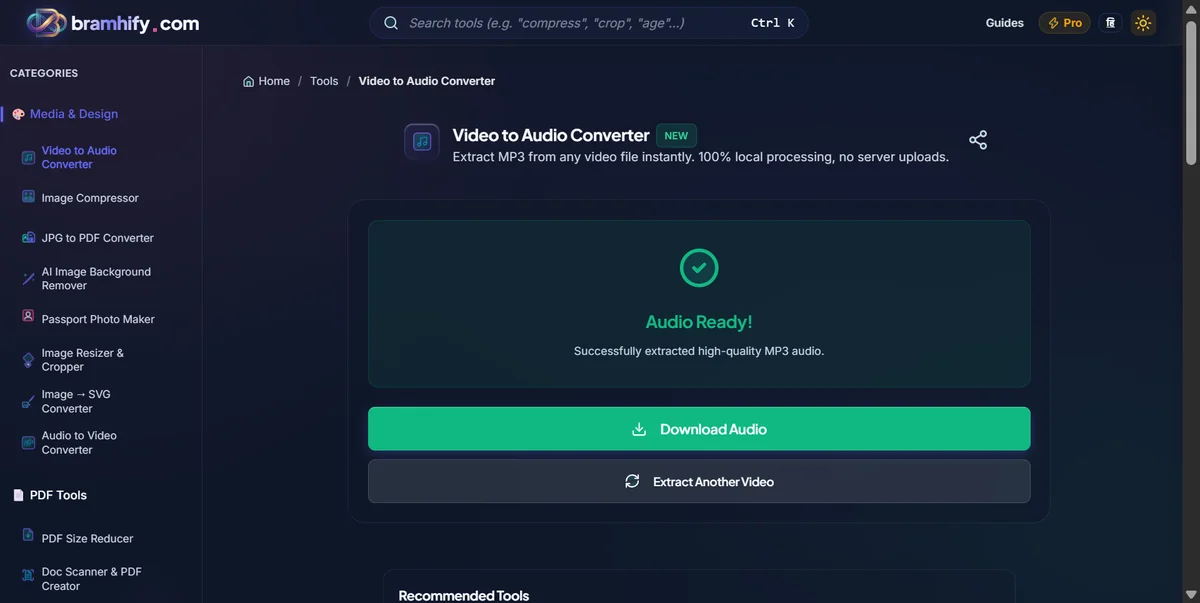
Step 4: Download the Audio
Tap download to save the MP3 file directly to your laptop or phone. It’s now ready to be uploaded to Spotify, Apple Podcasts, or shared with your team.
Frequently Asked Questions (FAQs)
Can I convert a 2-hour Zoom recording?
Yes! Since the processing happens locally on your computer, there are no artificial time or file size limits. You can easily convert long webinars or multi-hour meetings into MP3.
Does it work with Google Meet or Microsoft Teams recordings?
Absolutely. As long as you have the video recording file (usually MP4 or MKV) downloaded to your device, our tool can extract the audio from it.
Will the extracted MP3 have good sound quality?
Yes, the audio quality will be exactly the same as the original recording. The tool simply separates the audio track from the video file without compressing it further.
To level up your audio content further, check out our guide on how to convert voice recording to mp4 for whatsapp status and our free audiogram maker without watermark.