

As a podcaster, you already know that sharing short, punchy audio snippets on Instagram Reels, TikTok, and YouTube Shorts is one of the best ways to grow your audience. Since these platforms don't allow you to upload MP3s, you have to create an "audiogram" - a video that pairs a static image with your podcast audio.
However, if you've spent any time searching for a reliable audiogram maker that is actually free, you know it is a deeply frustrating experience.
The Problem with "Free" Audiogram Makers
Most well-known audiogram tools (like Headliner, Canva, or Veed) operate on a strict "freemium" model. They promise you a free video, but when you spend 20 minutes designing your layout and go to download your podcast snippet, you are suddenly hit with strict, annoying limitations.
They will usually do one of three things:
- Force a massive, ugly watermark onto your video that ruins your brand's aesthetic.
- Limit your export resolution to 720p (which looks blurry on modern phones).
- Restrict you to only 3 to 5 videos a month unless you pay a pricey $15/month subscription.
On top of that, these tools are entirely cloud-based. This means you have to upload your pristine podcast audio to their servers. If you are trying to share a quick snippet while on a limited mobile data connection or a slow Wi-Fi network, this upload process can take forever and eat up your bandwidth before you even start editing.
The Bramhify Solution
Bramhify's Audio to Video Converter acts as the perfect, completely free audiogram maker without watermarks.
Because it runs 100% locally in your web browser (using WebAssembly), we do not have to pay for expensive cloud servers to process your videos. Because our costs are zero, we never charge you subscriptions, and we never slap watermarks on your content.
Your podcast audio never leaves your device, making the creation process blazing fast and completely private. It uses your device's own CPU to render the video instantly.
Audio to Video Converter:
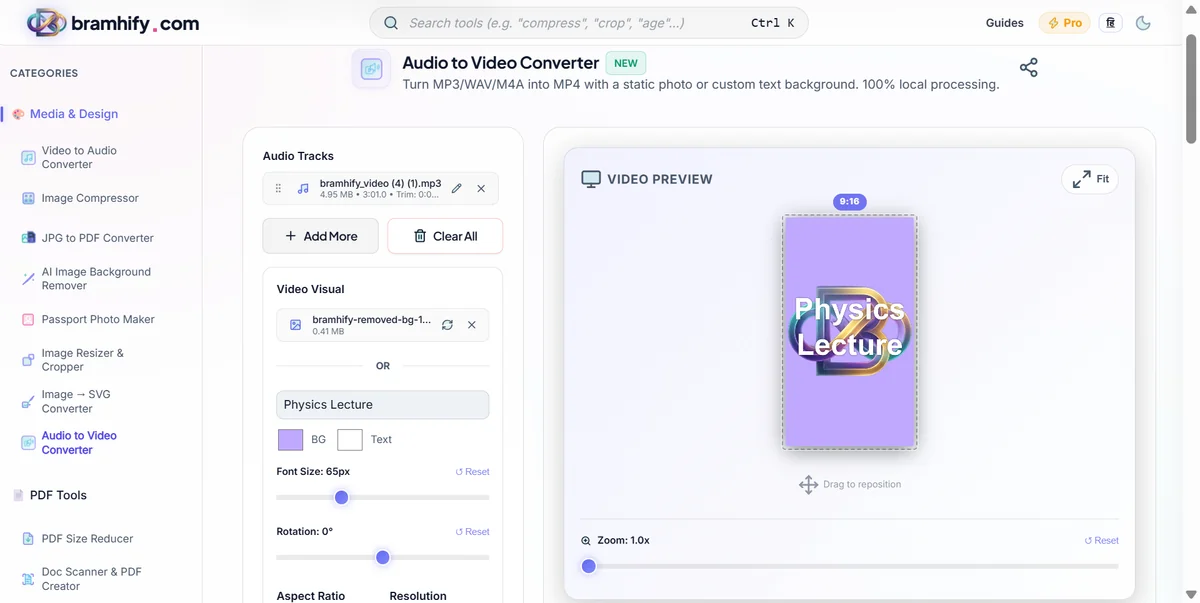
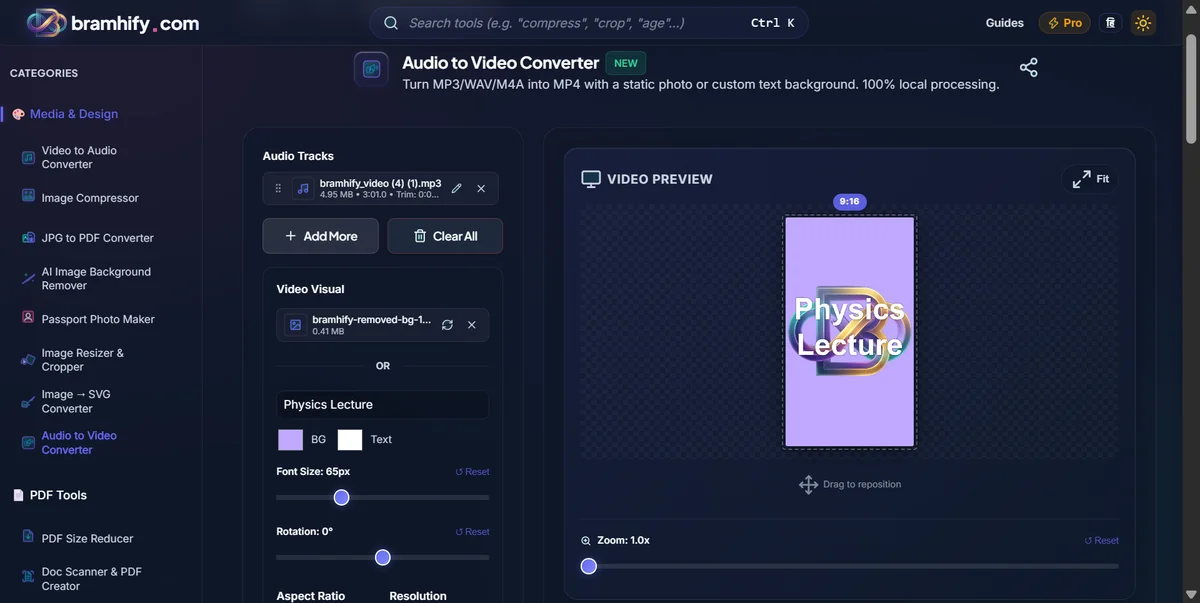

Step-by-Step Guide for Podcasters
Here is exactly how you can create your watermark-free podcast audiogram today:
Step 1: Upload Your Podcast Snippet
Tap the upload area and select your MP3 or WAV podcast clip. If you only have the full 60-minute episode on your phone, don't worry! You don't need to cut it beforehand. Just upload the full file, wait a second for it to load, and then use the built-in trimming tool to select the exact 30 to 60-second highlight you want to share.
Step 2: Add Your Podcast Cover Art
Upload your podcast logo, guest photo, or custom artwork as the background image. The tool's interactive canvas lets you drag, scale, and position the image so it perfectly frames your brand. If you don't have an image on hand, you can use the text generator to type out a catchy quote from the episode.
Step 3: Choose Your Social Media Ratio
Different platforms need different shapes. Select 9:16 (Portrait) for Instagram Reels, YouTube Shorts, or TikTok. Select 1:1 (Square) if you are posting to a standard Instagram grid or LinkedIn post.
Step 4: Generate and Download
Tap Generate, and your browser will render a high-quality MP4 directly on your device. Download it, and you have a pristine, watermark-free video ready to attract new listeners on social media!
For a deeper dive on combining audio tracks or troubleshooting, check out our tutorial on How to Convert Audio to Video with a Background Image.