

When you hand a potential client your business card or a flyer, what stops them from contacting you?
The traditional process is long. The client has to type your ten-digit number into their phone, save you as a contact, wait for the app to sync, and finally type out a message. By the time they finish, many simply give up.
By adding a WhatsApp QR Code directly on your printed materials, you eliminate this friction. When a customer scans the code, their WhatsApp app opens instantly, and a pre-filled custom message appears in their chat box, ready to send with a single tap.
In this comprehensive guide, we will explore exactly why every small business, freelancer, and consultant needs a WhatsApp QR code, how to generate one for free without falling into the "Dynamic QR" subscription trap, and the best practices for placing these codes on your marketing materials to maximize lead generation.
The Problem with Generic "Dynamic" QR Generators
If you search Google for a "WhatsApp QR code generator," you will be flooded with hundreds of websites that offer to create a code for you. However, there is a massive catch that these websites hide in their fine print: they almost always generate a Dynamic QR code by default, rather than a Static one.
A Dynamic QR code does not actually contain your phone number. Instead, it contains a short tracking link (like qr-site.com/xyz123). When a customer scans the code, they are first sent to the QR company's server, which tracks their IP address, location, and device type, before finally redirecting them to your WhatsApp.
This creates several major problems for business owners:
1. The Subscription Expiry Trap
Because the QR company controls the redirect link, they control your code. Most of these websites will let you generate the code for free, but after a 14-day or 30-day "trial period," they will disable the link. Suddenly, your QR code stops working. If a customer scans the business card you gave them, they get an error page. To fix it, the QR website will demand a hefty monthly subscription fee (often $10 to $20 a month) just to keep the link active. Imagine printing 5,000 marketing flyers, only to have the QR code break a month later.
2. Privacy Invasions
Dynamic QR codes act as a middleman. The company generating the code is actively tracking your customers. For a small business that values privacy and data security, unnecessarily routing your customers through a third-party tracking server is a poor practice.
3. Slower Load Times
Because the scan requires an internet redirect, it takes slightly longer to open WhatsApp. If the customer is in an area with poor mobile data coverage, the redirect might fail entirely, costing you a valuable lead.
The Solution: 100% Free Static QR Codes
Bramhify's QR Code Generator is completely different. We believe that basic utilities should not hold your business hostage. We generate a 100% Static QR Code.
Our tool encodes the official WhatsApp "Click to Chat" protocol directly into the visual pixels of the image. Because the data is hardcoded into the image itself, there is no middleman server, no tracking link, and absolutely no expiration date. Your code will work forever, even if our website disappears tomorrow. It is completely free, has unlimited scans, and protects your customers' privacy by connecting them directly to your WhatsApp app.
Create Your Free WhatsApp QR Code:
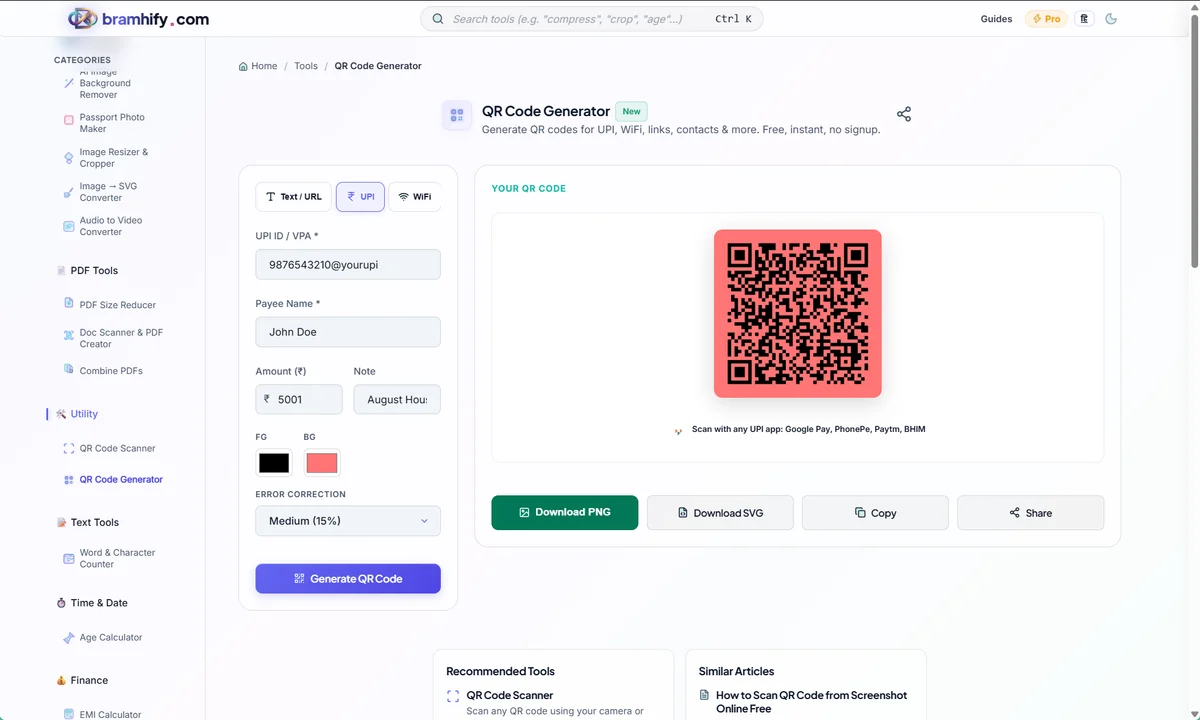
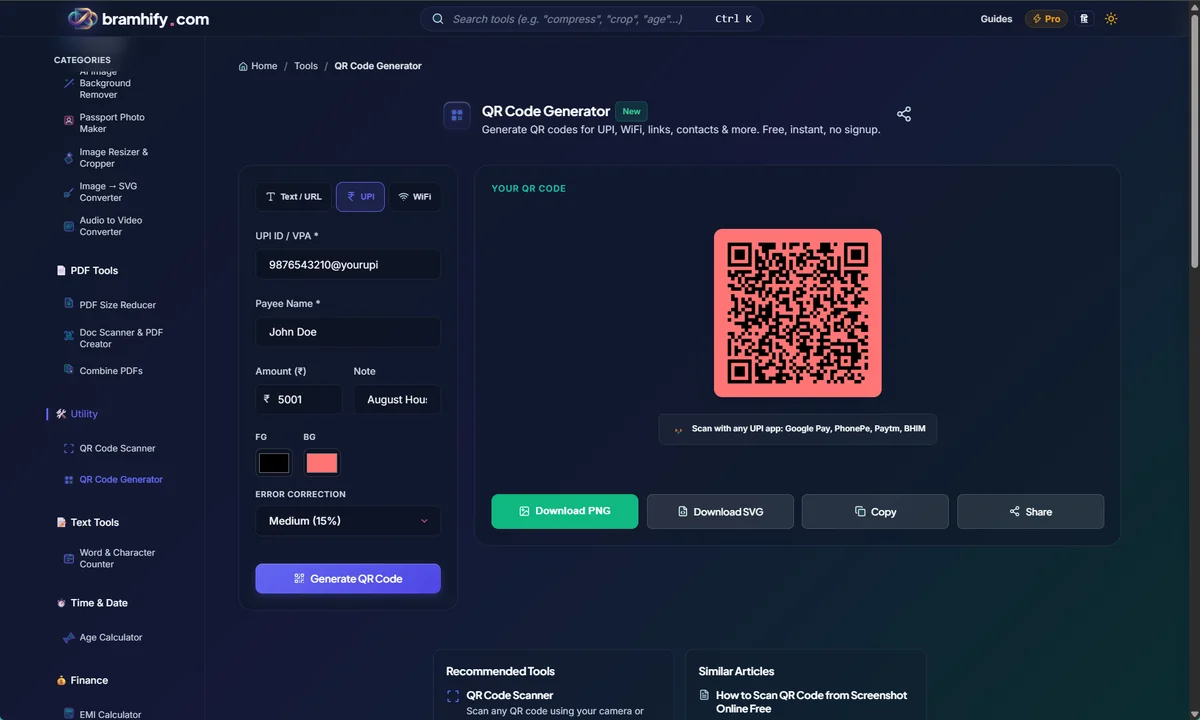

Step-by-Step: How to Generate Your WhatsApp QR
Creating your customized, never-expiring QR code takes less than a minute. Follow these simple steps:
Step 1: Select WhatsApp from the Menu
Open the Bramhify QR Code Generator using the link above. At the very top of the tool, you will see a row of tabs for different data types (Text, URL, WiFi, VCard, etc.). Click on the WhatsApp tab.
Step 2: Enter Your Phone Number
In the phone number field, enter your business WhatsApp number. Crucial rule: You must include your country code without any plus signs, brackets, or spaces. For example, if your number is in India, you must start it with 91 (e.g., 919876543210). If you omit the country code, the WhatsApp app will not know how to route the message globally, and the scan will fail.
Step 3: Write a Pre-filled Message (Highly Recommended)
Below the phone number, you will see a text box for a "Pre-filled Message." While this is optional, it is the secret weapon for lead generation. Instead of dropping the customer into a blank chat screen where they have to figure out what to say, you can pre-write their first message for them.
Great examples of pre-filled messages include:
- "Hi, I saw your business card and I'd like to book a consultation."
- "Hello, I am interested in ordering a custom cake. Can you send me the menu?"
- "Hi! I'd like to schedule an appointment for next week."
When the customer scans the code, this text will automatically populate in their chat input box. All they have to do is hit "Send."
Step 4: Download and Test
Once you have entered your details, click the "Download PNG" button. The high-quality image will save to your device. Always test your QR code by scanning it with your own phone's camera before sending it to a printing press.
Where to Place Your WhatsApp QR Code
To get the most out of your QR code, strategic placement is key:
- Business Cards: Place it on the back so it doesn't clutter your logo.
- Product Packaging: Add a code saying "Scan for Customer Support."
- Restaurant Menus: "Scan to order via WhatsApp."
The Golden Rule: Add a Strong CTA
Never print a naked QR code! Always pair your QR code with a Call to Action (CTA) printed directly above or below it. Text like "Scan to chat with us instantly on WhatsApp" will dramatically increase the number of people who actually scan it.
If you have a multi-page services brochure you'd like to share once they message you, use our document scanner to create a clean PDF straight from your phone camera!