

When applying for government jobs in India, the photograph requirements can be incredibly strict. If your photo is even slightly off the required dimensions, the portal will outright reject your application file.
Important 2026 Update: While major exams like UPSC and SSC have recently transitioned to a "Live Photograph" capture system (where you must use a webcam during the application), almost all State PSCs (UPPSC, MPSC, BPSC), Railway Recruitment Boards (RRB), and Banking exams (IBPS/SBI) still require you to upload a strictly formatted 3.5cm x 4.5cm digital photograph. Furthermore, you will often need physical printed copies of this exact size to affix to your physical admit card on exam day.
Going to a photo studio every time you need a specific dimension is expensive and time-consuming. Instead, you can create a perfect, print-ready 3.5x4.5cm photo right from your phone.
Why Dimension and DPI Matter
Government portals don't just check the file size (e.g., "under 50KB"); they check the aspect ratio and resolution. A standard 3.5x4.5cm photo must be exported at exactly 300 DPI (Dots Per Inch) to ensure it prints clearly on your admit card without pixelating.
Bramhify's Passport Photo Maker has an exact "India Passport (3.5 x 4.5 cm)" preset built-in. It automatically enforces the 300 DPI rule and gives you visual guides to ensure your face covers the required 70-80% of the frame.
Create Your 3.5x4.5cm Photo:
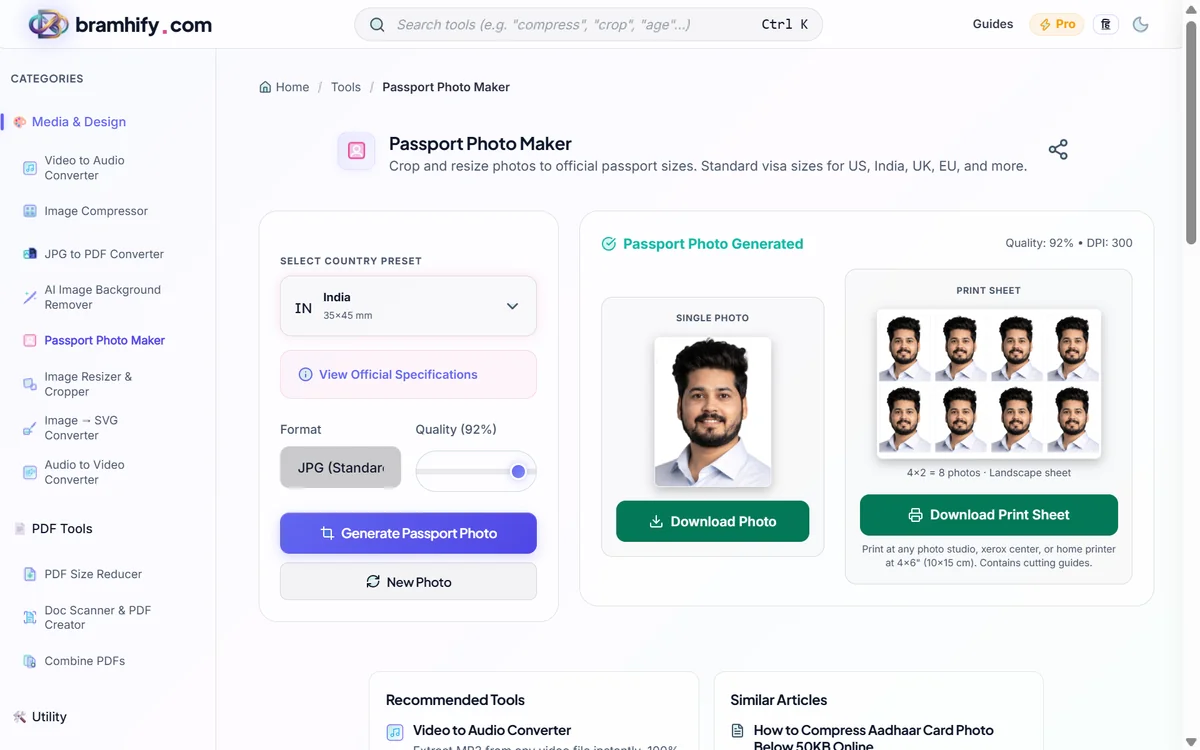
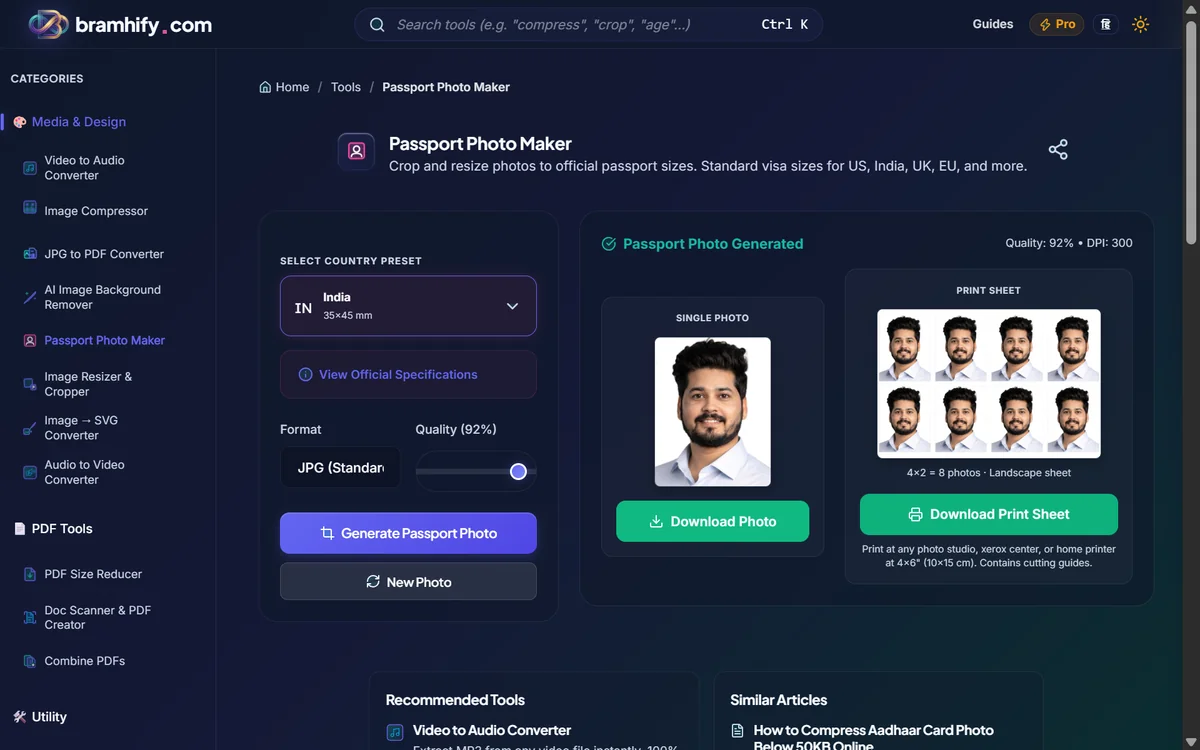

Step-by-Step Guide
Step 1: Take a Clean Photo
Stand against a plain white or light-colored wall. Ensure your room is brightly lit so there are no harsh shadows on your face. Look straight at the camera with a neutral expression (no smiling, no glasses with glare).
If your background isn't perfectly white, you can use our AI Background Remover first to replace it with a solid white color.
Step 2: Upload and Select "India"
Open the Passport Photo Maker and upload your picture. In the right-hand menu, click the dropdown and select "India Passport (3.5 x 4.5 cm)".
Step 3: Align Using the Face Guides
An overlay will appear on your image showing an oval for your face and lines for your shoulders. Drag and zoom your image until your chin and the top of your head fit exactly within the oval. This ensures you meet the strict "75% face coverage" rule that most commissions demand.
Step 4: Download and Compress (If Needed)
Click "Download Photo." Your image is now perfectly sized and high-resolution!
If the government portal rejects the file for being "too large" (e.g., they need it under 50KB), do not resize the dimensions. Instead, run it through our Image Compressor to reduce the file size while keeping the 3.5x4.5cm dimensions perfectly intact.