

It’s a frustrating scenario: you need to combine two or three PDF invoices into a single file to email to your accountant, but your computer asks you to pay for an expensive Adobe Acrobat Pro subscription just to perform a basic merge.
The Hidden Risk of Free Online PDF Mergers
When you refuse to pay for Acrobat, the next logical step is searching for "free PDF merger" online. However, uploading corporate documents, tax forms, or sensitive invoices to a random cloud server is a massive security risk. These platforms often retain your files or use them to train AI models, putting your private financial data in jeopardy.
The Bramhify Solution
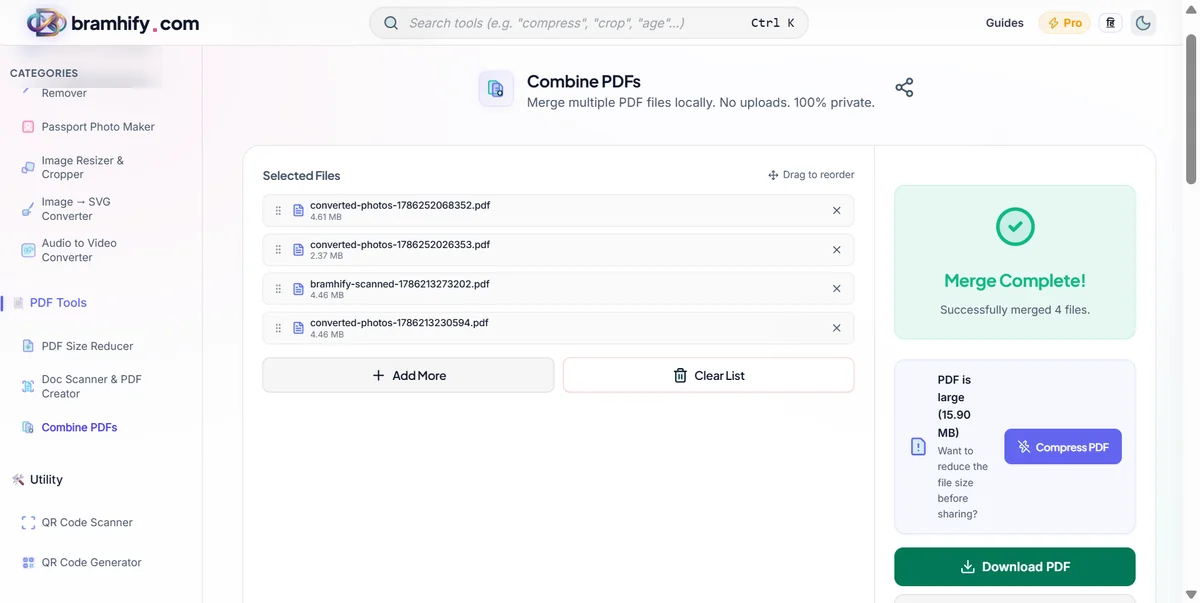
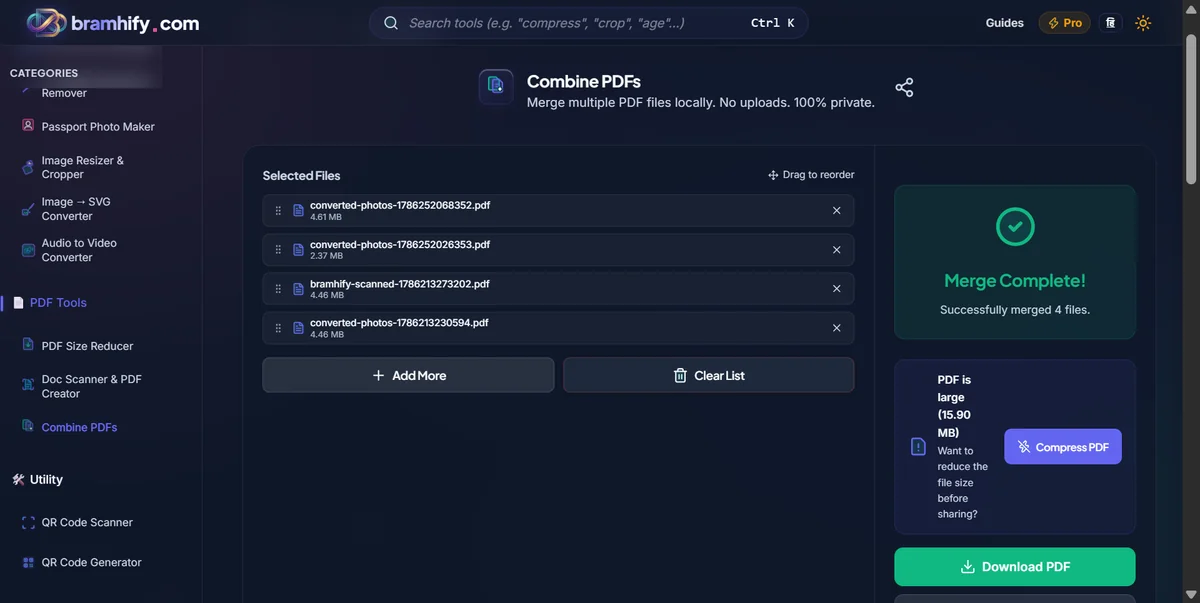
You shouldn't have to choose between paying a subscription fee and risking your data privacy. Bramhify's PDF Merger solves this problem by processing your files 100% locally. Using advanced WebAssembly technology, the tool combines your PDFs directly on your own device. Your files never leave your computer, guaranteeing complete privacy and zero upload wait times.
PDF Merger:

Step-by-Step Guide
Here is how you can instantly and securely merge your PDF documents without installing any software:
Step 1: Add Your PDF Files
Open the PDF Merger tool and tap the upload area. Select all the PDF files you want to combine. Because the processing happens locally on your device, even large reports will load instantly.
Step 2: Arrange the Order
Once your files are loaded, you can easily drag and drop them to rearrange their order. Ensure the documents are sorted exactly how you want them to appear in the final merged file.
Step 3: Merge the Documents
Tap the "Merge PDFs" button. The tool will instantly join all the selected documents into a single, cohesive PDF file right inside your browser.
Step 4: Download the Final PDF
Tap download to save the newly merged file securely to your computer or phone. That's it! You're done, and your private data never touched a server.
Frequently Asked Questions (FAQs)
Is there a file size limit for merging PDFs?
Since our tool processes everything locally on your device, there are no artificial file size limits. The only limitation is the available memory (RAM) on your phone or computer.
Will merging reduce the quality of my PDFs?
No. The PDF Merger simply joins the existing pages together. It does not compress or alter the quality of the original text, images, or formatting within the documents.
Can I merge PDFs on my mobile phone?
Yes! Our tool works perfectly on mobile browsers (Chrome, Safari). You can easily select multiple files from your phone's file manager and merge them instantly on the go.
If you also need to combine images into a document, check out our guide on how to safely convert JPG to PDF online.