

If you are preparing for the UPSC Civil Services Examination (CSE), SSC CGL, or any State PSC exams, you already know that the eligibility criteria can be incredibly strict and confusing. The official notification usually states something along the lines of: "A candidate must have attained the age of 21 years and must not have attained the age of 32 years on the 1st of August of the examination year."
Figuring out exactly how many years, months, and days old you will be on that specific date can cause unnecessary anxiety. If you miscalculate by even one single day, your entire application could be rejected, and a year of hard work goes to waste.
In this guide, we'll explain how to calculate your exact age, what the different category relaxations are, and how to verify your eligibility safely without risking your private data.
Why You Should Never Upload Your ID to Check Age
Many government job aspirants try to calculate their age by uploading their Aadhaar card, PAN card, or 10th-grade marksheet to random "eligibility checker" or "age calculator" websites. This is a massive privacy and security risk.
When you upload your sensitive government IDs to unknown, ad-heavy websites, you have no idea where that data is being stored or who has access to it. Identity theft is a real threat, and your date of birth, full name, and document numbers are highly valuable data points for scammers. You should never have to compromise your personal data just to do a simple math calculation.
Bramhify's Age Calculator is designed specifically with your privacy in mind. Our calculator runs completely offline, directly inside your browser. No data is ever sent to a server, no databases record your birthdate, and your identity remains 100% private. It processes the calculation using your device's own memory, making it lightning fast and entirely secure.
Try the Private UPSC Age Calculator:

Step-by-Step Guide to Check Your UPSC Eligibility
Calculating your age manually by counting leap years and months on your fingers is error-prone. Here is the foolproof way to get your exact age in seconds using your phone.
Step 1: Open the Age Calculator
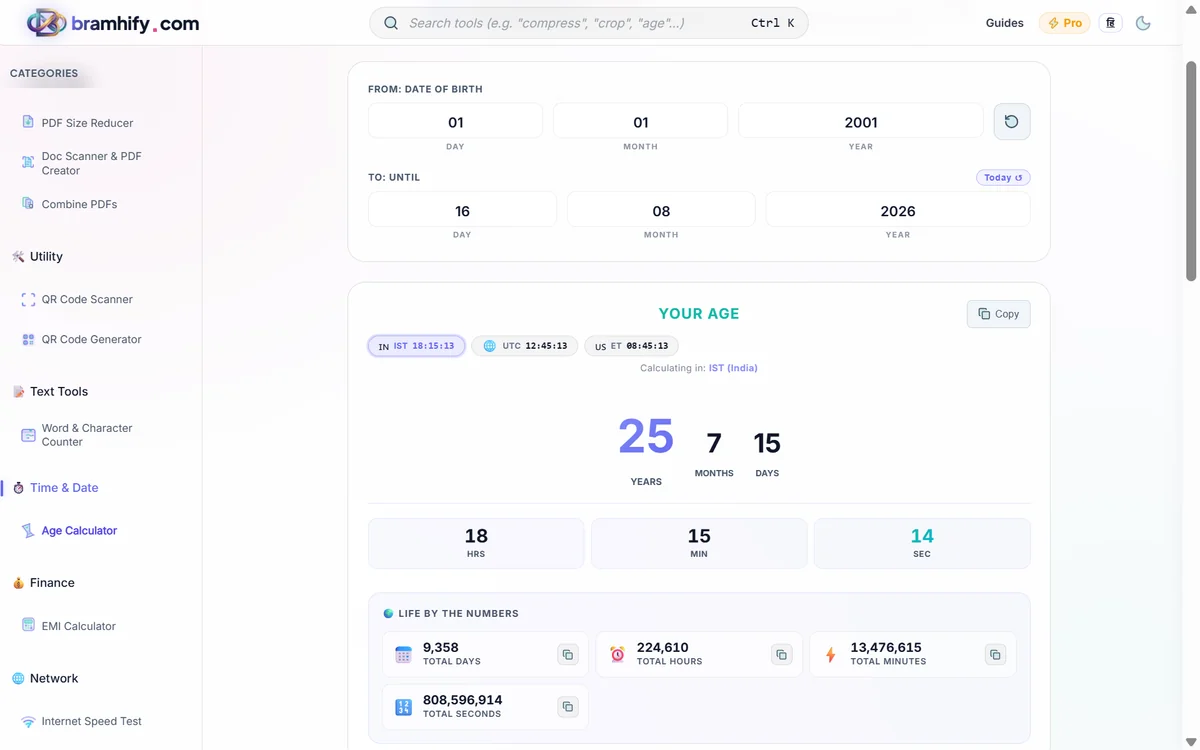
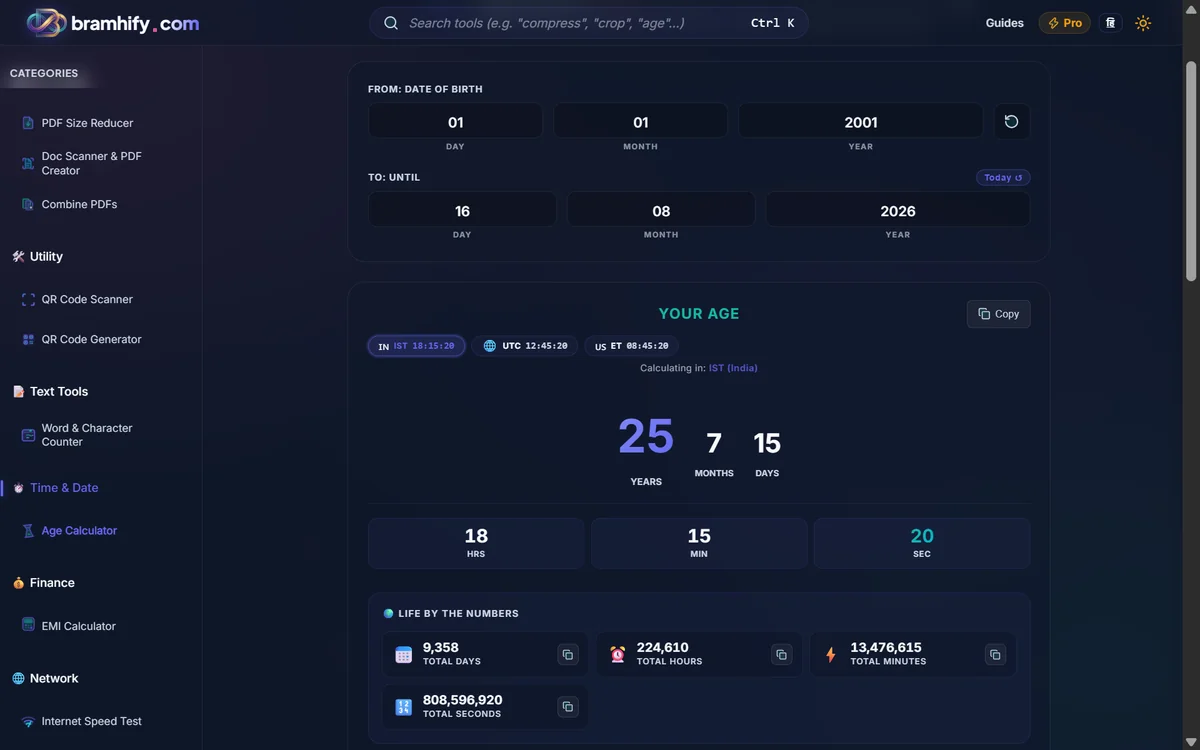
Navigate to the Bramhify Age Calculator using the link above. You will see a clean, distraction-free interface with two date inputs. There are no annoying pop-up ads or forced sign-ups to get in your way.
Step 2: Enter Your Date of Birth
Tap the first input box labeled "Date of Birth". A calendar picker will appear. Select your exact Date of Birth as printed on your 10th-grade (Matriculation) certificate. Note: UPSC and most government bodies strictly consider the DOB on your 10th certificate as the ultimate truth. Do not use the DOB from your Aadhaar card if it differs from your educational documents.
Step 3: Select the UPSC Cut-Off Date
Tap the second box labeled "Calculate age as of". For UPSC CSE, the official cut-off date is almost always August 1st of the year you are taking the exam. For example, if you are targeting UPSC CSE 2027, you must select August 1, 2027. State PSCs might have different cut-off dates (such as January 1st or July 1st), so always verify with the official notification.
Step 4: Verify Your Eligibility Instantly
As soon as you select the cut-off date, the calculator will instantly display your exact age in years, months, and days. Look at the "Years" number:
- If the number is 21 or higher, and 31 or lower (meaning you have not yet reached your 32nd birthday on that exact date), you are eligible under the General category!
- The calculator also provides fun statistics like your total age in weeks, days, hours, and minutes, but the primary "Years, Months, Days" readout is what you need for your application form.
Understanding UPSC Age Relaxations
If your calculated age exceeds the 32-year limit for General category candidates, do not panic immediately. The UPSC provides several age relaxations based on your category. Once you have calculated your exact age, compare it against these revised upper age limits:
- OBC Candidates: Up to 3 years of relaxation (Upper age limit: 35 years).
- SC/ST Candidates: Up to 5 years of relaxation (Upper age limit: 37 years).
- Defense Services Personnel: Up to 3 years of relaxation (disabled in operations during hostilities).
- Ex-Servicemen: Up to 5 years of relaxation.
- PwBD (Persons with Benchmark Disabilities): Up to 10 years of relaxation (Upper age limit: 42 years).
If your calculated age falls within these relaxed limits, you are eligible to apply.
⚠️ Important Disclaimer: Government rules regarding age relaxations, category quotas, and cut-off dates are subject to change. The information provided above is for general guidance. Always cross-check the current age limits by downloading the official notification PDF directly from the UPSC Official Website (upsc.gov.in) or the respective State PSC portal before submitting your application.
Frequently Asked Questions
Does the calculator save my birth date?
No. The Bramhify Age Calculator processes all dates locally in your browser. Your birth date is never transmitted over the internet or saved to any database.
Can I use this for State PSC and SSC exams?
Yes! The calculator allows you to pick any custom "As Of" date. Whether your exam's cut-off is January 1st, July 1st, or August 1st, simply adjust the second date input to match your specific notification.
What if my Aadhaar DOB doesn't match my 10th certificate?
For UPSC and SSC exams, the 10th certificate is the final authority. You should calculate your age based on your 10th certificate. However, you must get your Aadhaar card updated to match your educational documents before you reach the Document Verification stage.
Now you can confidently submit your application form without worrying about age limit miscalculations. When it is time to upload your documents to the portal, you might notice strict file size limits (like keeping your signature under 20KB). Read our guide on how to compress your Aadhaar card online to ensure your ID proofs and certificates are accepted by the government server on the first try.