

If you are preparing for top competitive exams in India, you already know that time management, structured thought, and word precision are the three pillars of success. In the prestigious UPSC Civil Services Mains Examination, the Essay Paper requires candidates to write two comprehensive essays (1000 to 1200 words each), while the General Studies papers demand concise answers within strict 150-word and 250-word boundaries. Similarly, SSC CGL and state PSC descriptive tests enforce rigid word limits for essays, letters, and précis writing.
Writing significantly fewer words than the prescribed limit signals a lack of depth and inadequate subject knowledge to the evaluator. Conversely, overshooting the limit wastes precious exam time, overflows the physical question-cum-answer booklet, and often attracts direct penalty deductions from strict examiners.
During your daily practice sessions on your phone or laptop, you need a friction-free, instantaneous method to monitor your word counts. In this guide, we will explore why word precision matters in descriptive government exams and how to utilize our 100% private, ad-free text analysis tool to elevate your writing quality.
The Hidden Frustrations of Standard Word Counters
When practicing answers, aspirants typically rely on two flawed methods to track their length:
- Heavy Word Processors: Full-featured desktop applications like Microsoft Word or Google Docs hide their word counter behind multi-step menus (
Tools>Word Countor keyboard shortcuts). When you are quickly testing an introduction on your phone or pasting text from a study forum, waiting for heavy cloud-based document suites to load wastes valuable momentum. - Ad-Laden Online Websites: The internet is flooded with generic "free online word counters" that are cluttered with intrusive pop-up banners, auto-refreshing video ads, and third-party trackers. These ad scripts slow down your browser and can distract your focus during timed mock writing tests.
- Data Security Risks: Many online tools upload whatever text you paste directly to their web servers for analytics. If you are drafting confidential research papers, original essays, or sensitive personal statements, your proprietary writing should never be exposed to unknown third-party databases.
The Bramhify Solution: Pure, Real-Time Text Analysis
The Bramhify Word & Character Counter was built specifically for students, writers, and competitive exam aspirants who need instant, distraction-free metrics.
Our tool operates entirely in real-time inside your web browser. There are zero advertisements, zero tracking cookies, and zero paywalls. Most importantly, all text processing occurs locally on your device's processor using client-side JavaScript. Your essays, notes, and study drafts never leave your phone or computer.
Check Your Practice Word Count Instantly:
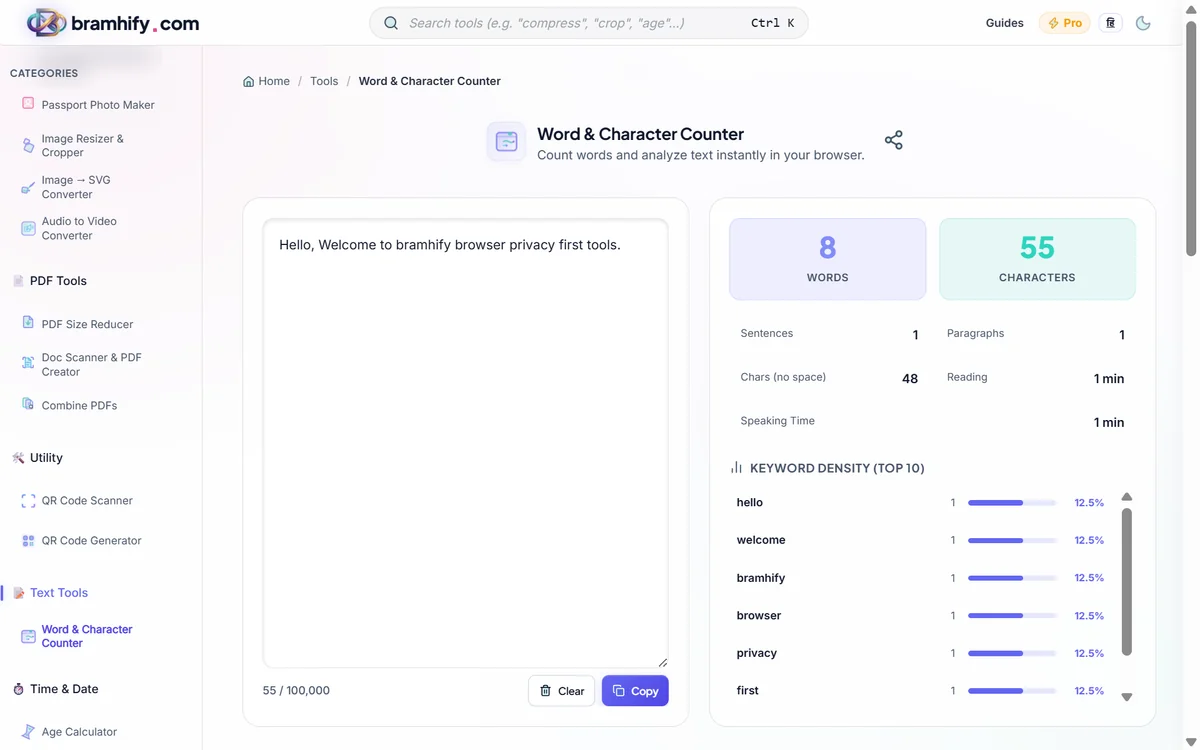
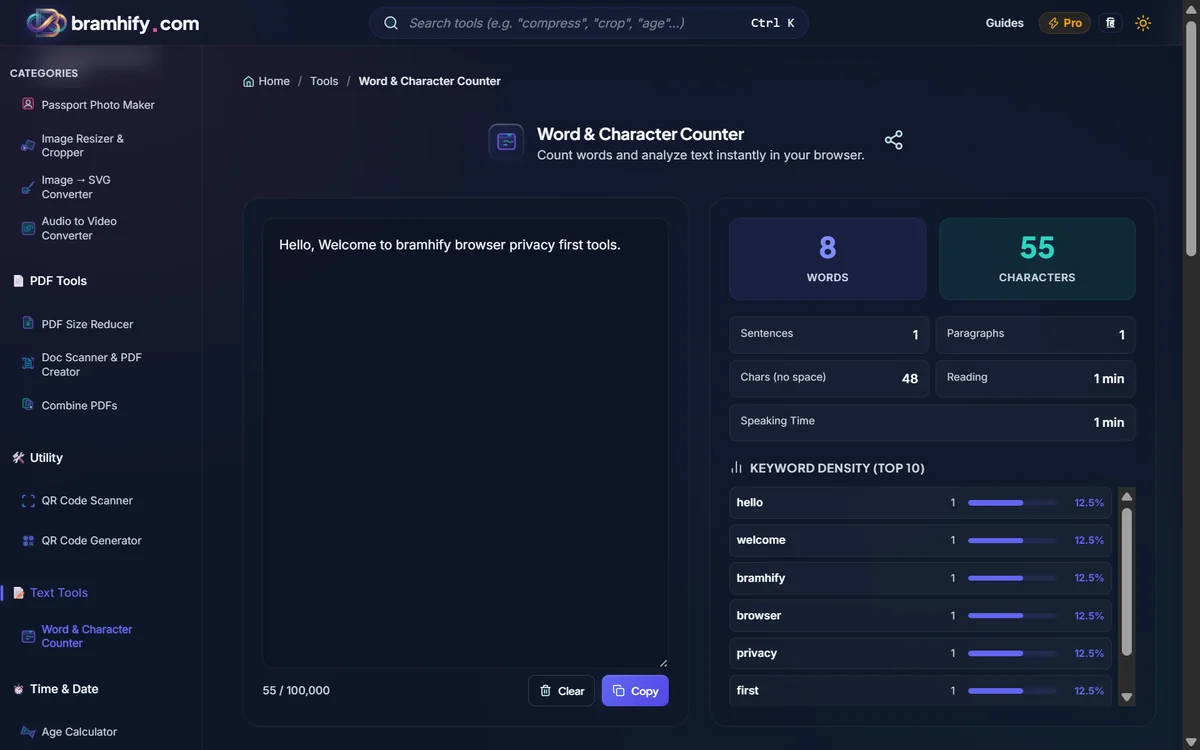

Step-by-Step: How to Analyze Your Practice Essays
Step 1: Open the Word Counter
Click or tap the interactive card above. The clean, lightweight workspace opens instantly without requiring any logins or account creations.
Step 2: Paste or Type Your Draft
Click inside the spacious text editor area. You can type directly in real-time or simply paste an answer you wrote in your notes app or typing software.
Step 3: Review Instant High-Level Metrics
As you type, the dashboard above updates with zero lag:
- Total Word Count: Check instantly whether your answer hits the exact 150, 250, or 1200-word target.
- Character Count (With and Without Spaces): Useful when drafting applications, forum responses, or social media updates with rigid character limits.
- Paragraphs and Sentences: Exam examiners hate unbroken "walls of text." Tracking your paragraph count ensures you maintain clean, readable formatting with 4 to 6 sentences per paragraph.
Step 4: Analyze Reading Time and Repetitive Keywords
Scroll down to the analytics panel:
- Estimated Reading Time: Evaluators typically spend less than 3 to 4 minutes scanning a mains answer. Knowing your exact reading duration helps you optimize content density.
- Keyword Frequency List: This reveals vocabulary repetition. If you are writing an essay on "Artificial Intelligence in Governance" and notice you repeated the word "system" 24 times, the analyzer highlights it immediately, prompting you to introduce richer synonyms like "infrastructure," "framework," or "ecosystem."
Best Practices for Descriptive Exam Writing
To build muscle memory for the actual exam hall, follow these proven strategies:
- Calibrate Your Handwriting: Practice typing on the counter first to see what 150 words look like. Then, write the same text by hand on standard UPSC-style lined paper. Count the lines to understand your personal words-per-page ratio (usually 10 to 12 words per line).
- Structure Your Word Budget: For a 1000-word essay, allocate roughly 100 words for the introduction, 800 words across 6 to 8 thematic body paragraphs, and 100 words for a forward-looking conclusion.
- Practice Under Timed Constraints: Combine the word counter with a stopwatch. Aim to draft a 250-word GS answer in under 7 minutes.
By keeping your daily practice private, focused, and strictly measured, you eliminate guesswork and build the exact discipline needed to ace India's most demanding descriptive examinations.